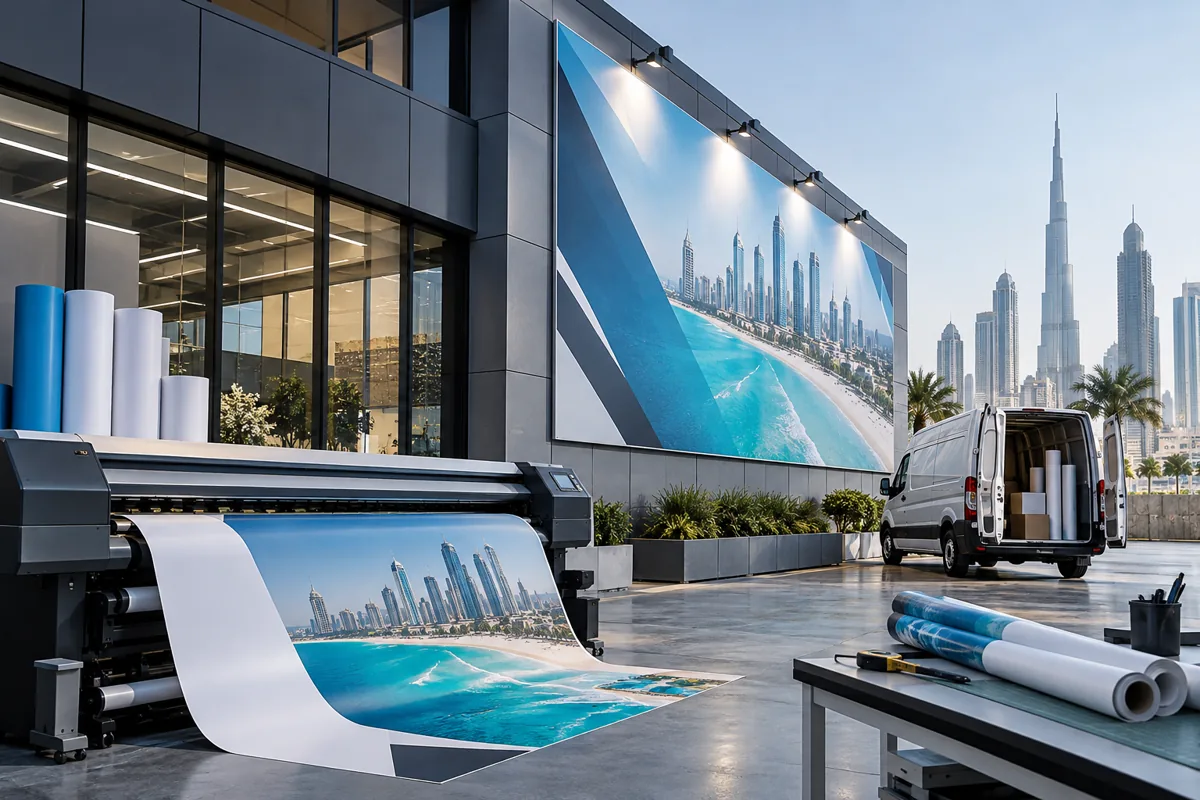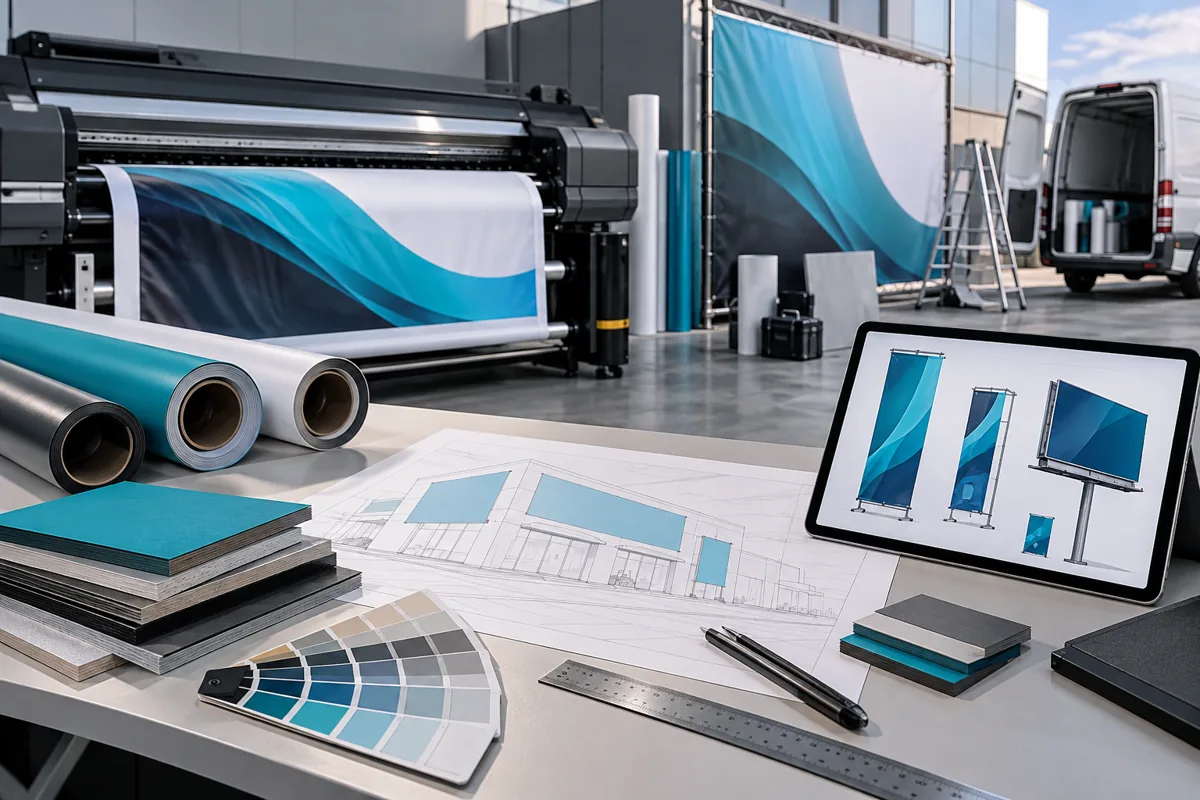
Hypothetical example
Put the decision in context.
A replacement panel sits beside an older campaign graphic. Assess the visible match against the aged neighbour before promising identical appearance.
Take these points into your brief.
Use this checklist to record what is agreed and what still needs confirmation.
- Approved production file
- Material and finishing record
- Adjacent-panel condition
For each item, keep the requirement, the supporting file or observation, and the person responsible for confirming it together.
Care, changes and ownership: your next step
Keep the final specification, supplier references and agreed responsibilities in an accessible handover record. Review the actual condition or operating problem before ordering a replacement or approving a change. If a component, location or requirement differs from the original, have that difference assessed. Retain dated changes so the next person responsible can understand the current state.
Sources and further reading
Source review: 11 September 2026. Confirm current requirements for your application. Manufacturer references concern their specific products and do not identify Auronix's supplied system or warranty.