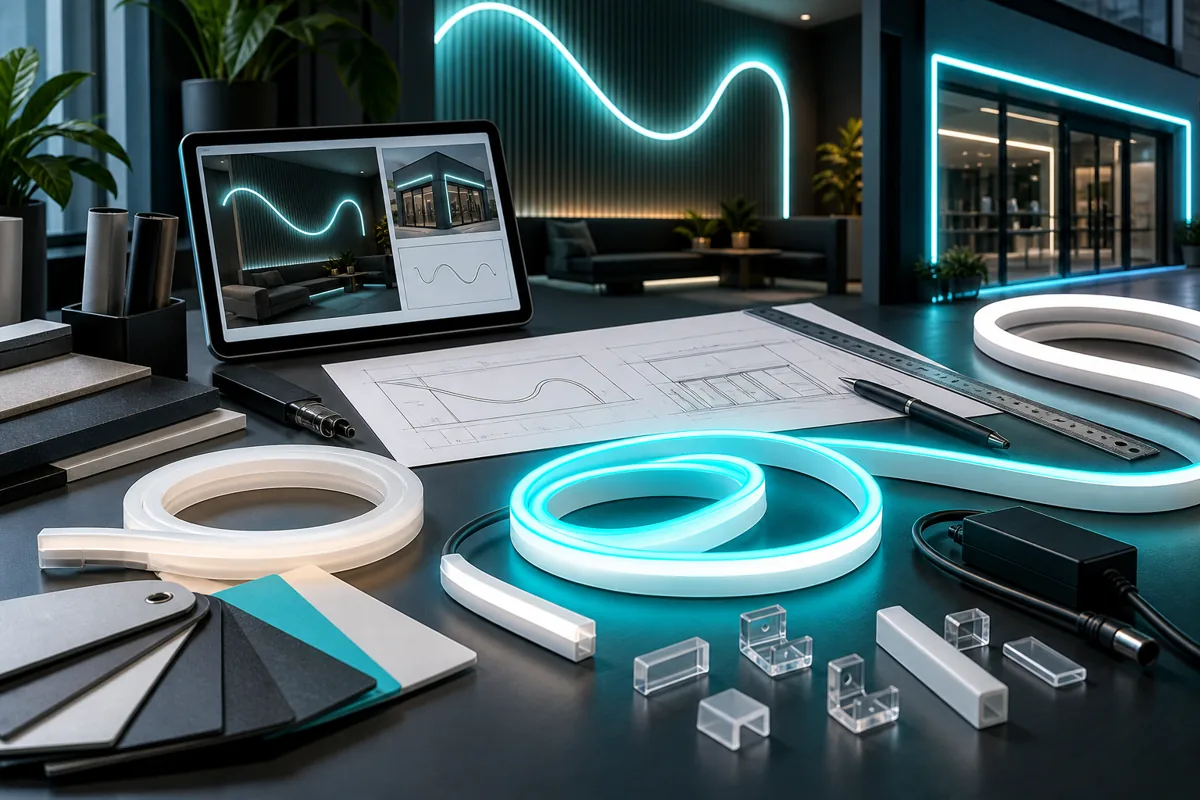
Hypothetical example
Put the decision in context.
A mockup hides the cable, but the installed location exposes it. Agree the cable presentation and access during design review rather than after completion.
Take these points into your brief.
Use this checklist to record what is agreed and what still needs confirmation.
- Illuminated sample or unit
- Joins, backing and cable presentation
- Control demonstration and approved adjustments
For each item, keep the requirement, the supporting file or observation, and the person responsible for confirming it together.
Check delivery: your next step
Use the approved specification as the acceptance reference and record observations, not just a general impression. Separate items accepted, items needing correction and items outside the agreed scope. Assign a responsible person and next action to unresolved work. Keep the final version and relevant evidence together so a later support request can identify what was actually delivered.
Sources and further reading
Source review: 11 September 2026. Confirm current requirements for your application. Manufacturer references concern their specific products and do not identify Auronix's supplied system or warranty.