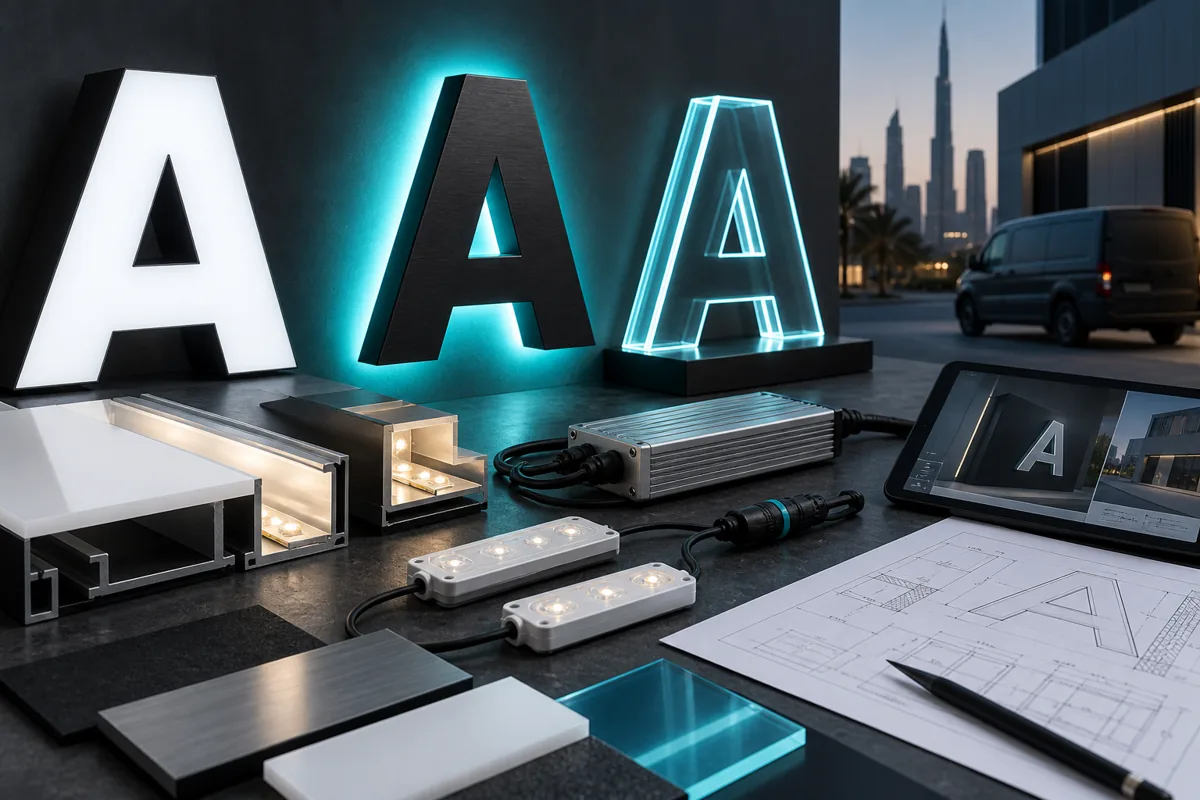
Hypothetical example
Put the decision in context.
The sign looks even in a daytime photo but has visible dark patches at night. Add a night observation to the acceptance record.
Take these points into your brief.
Use this checklist to record what is agreed and what still needs confirmation.
- Night appearance and uniformity
- Timer or control demonstration
- Electrical records and fault-reporting route
For each item, keep the requirement, the supporting file or observation, and the person responsible for confirming it together.
Check delivery: your next step
Use the approved specification as the acceptance reference and record observations, not just a general impression. Separate items accepted, items needing correction and items outside the agreed scope. Assign a responsible person and next action to unresolved work. Keep the final version and relevant evidence together so a later support request can identify what was actually delivered.
Sources and further reading
Source review: 11 September 2026. Confirm current requirements for your application. Manufacturer references concern their specific products and do not identify Auronix's supplied system or warranty.