Company pages · Document posts · Employee banners
LinkedIn Company Page and Content Design
Company page banners, document carousels, hiring and announcement posts for LinkedIn, plus matching banners for your team.
- Languages
- Arabic & English
- Studio
- Ajman, UAE
- You receive
- Print + source files
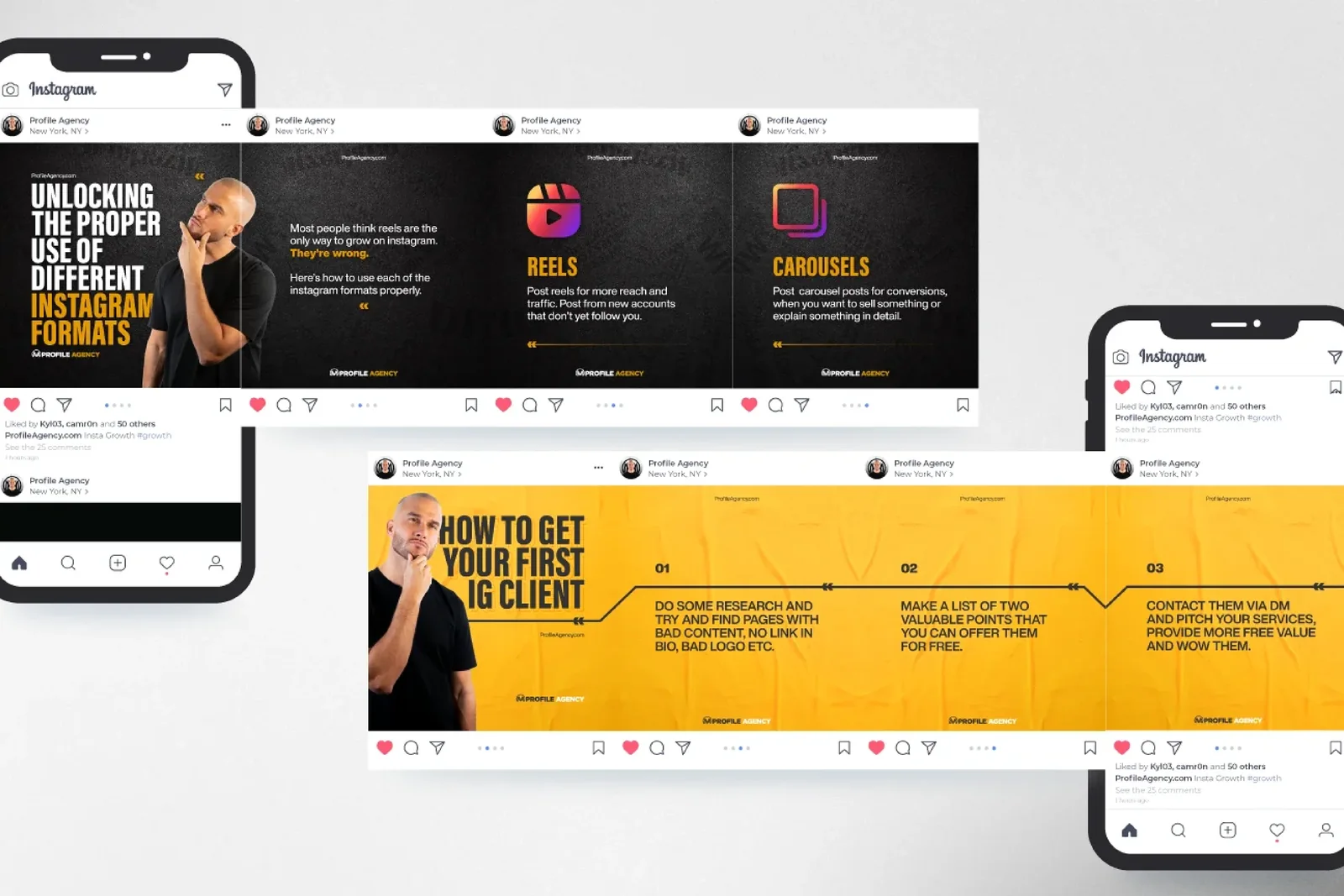
Used for
- Company page cover and visual identity
- Document posts for guides and case studies
- Hiring, awards and announcement posts
- Profile banners for leadership and sales staff
What is LinkedIn Content Design?
LinkedIn is where UAE buyers, recruits and partners check a company before replying to an email. We design LinkedIn company page covers, document carousels, announcement and hiring posts, and matching profile banners for your team, so the page and the people behind it look like one business. Everything comes as editable templates your marketing or HR team can reuse.
Key takeaways: LinkedIn Content Design
- 01 Company page cover and visual identity
- 02 Document posts for guides and case studies
- 03 Hiring, awards and announcement posts
- 04 Profile banners for leadership and sales staff
Selected work
Related work from our team
Projects by the Auronix design team for brands across sectors. Open any piece to see it full size.
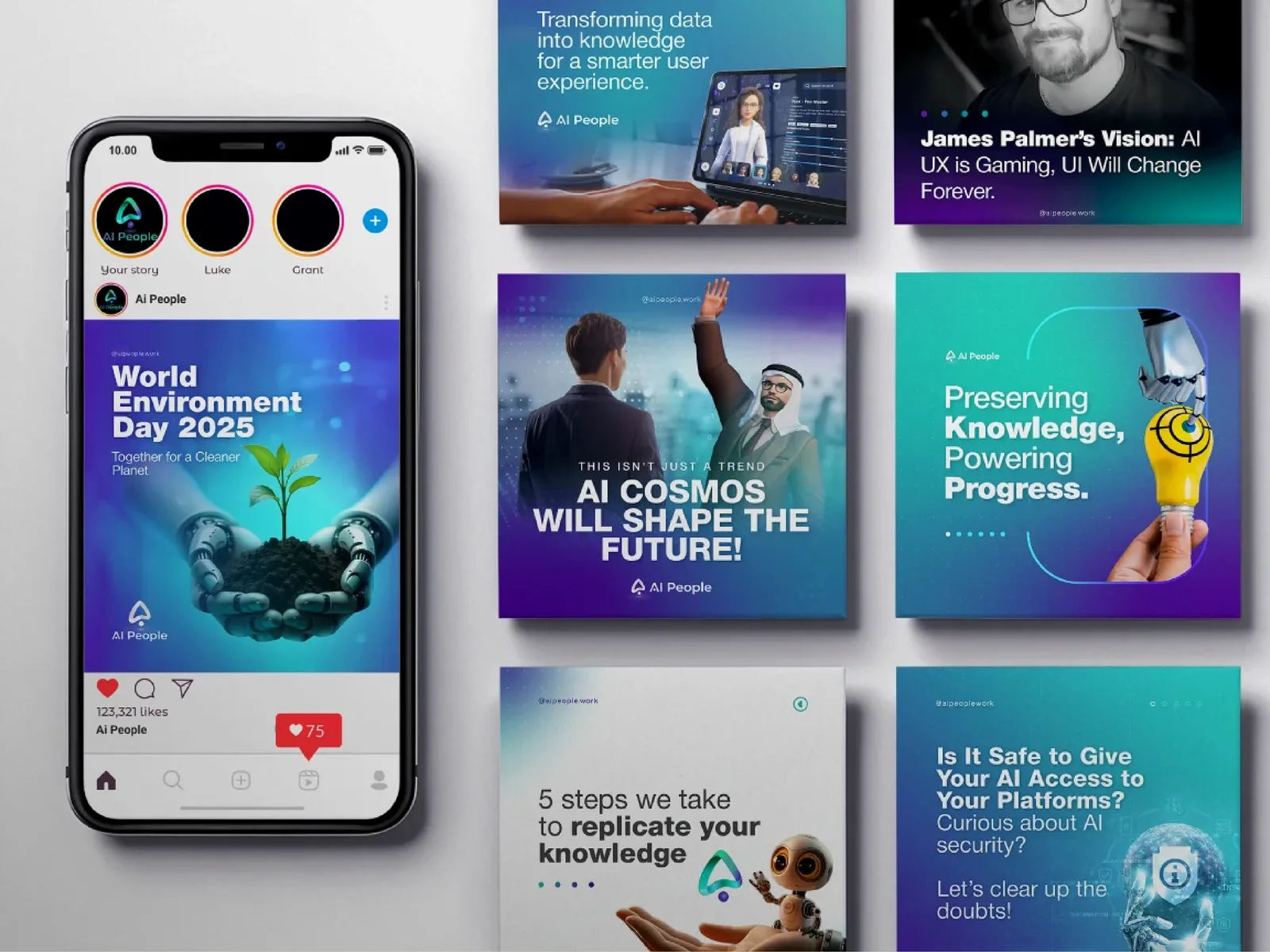
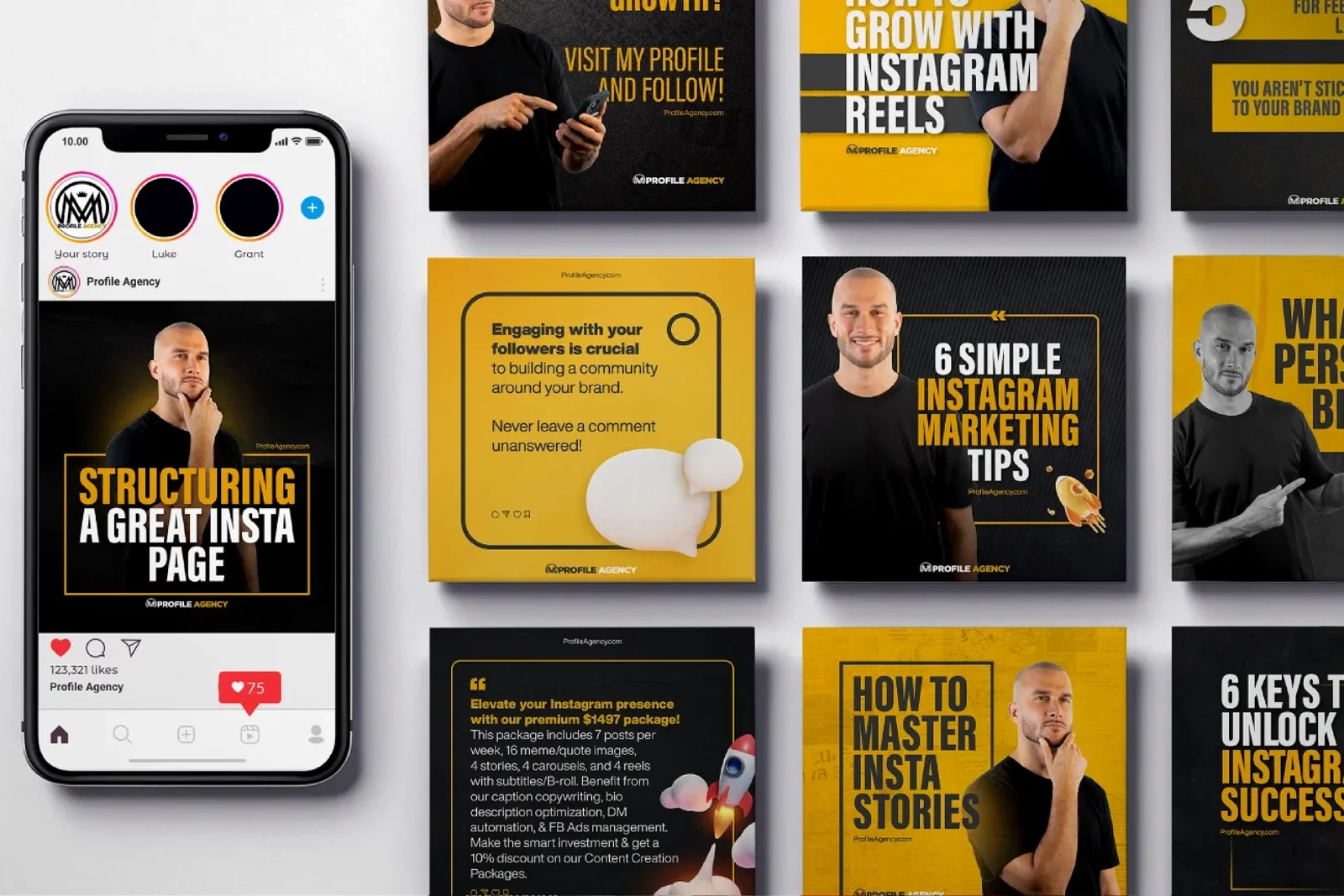

Instagram templates rarely translate to LinkedIn. The audience reads more, scrolls on desktop as often as on phones, and judges credibility fast. We design for that: more room for a clear headline and a figure, less decoration, and formats such as PDF document posts that suit how B2B content is shared.
What is a LinkedIn document post and when should you use one?
It is a PDF uploaded to a post, which LinkedIn shows as swipeable pages in the feed. It suits guides, checklists, case studies and event recaps, where a reader wants several pages of substance. We design them at a consistent page size with a strong first page, since that is the only page visible before someone clicks through. Keep each page to one idea and readable on a phone.
- PDF pages shown as a swipeable post
- Strong first page
- One idea per page
- Readable on a phone screen
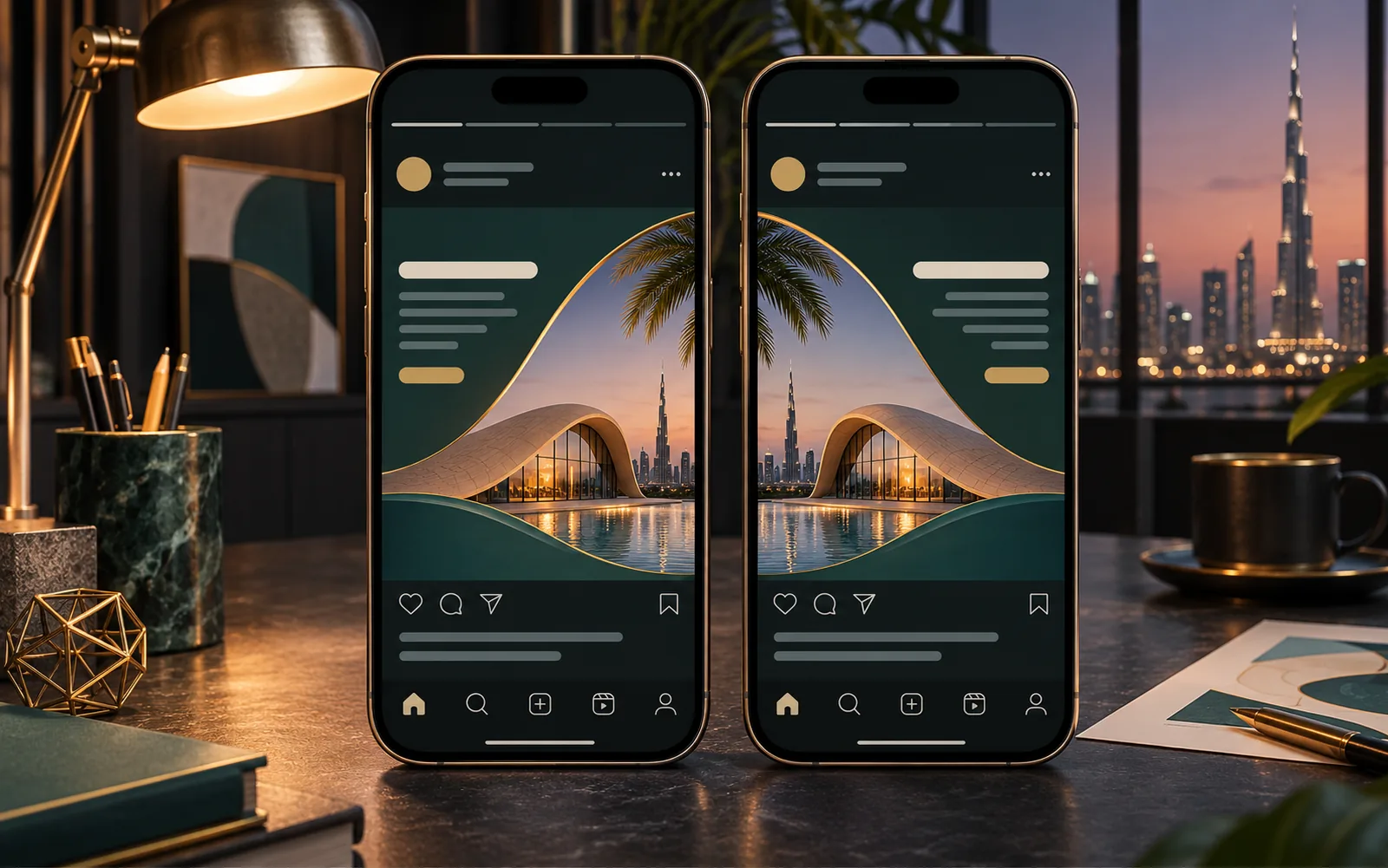
Should employees use matching profile banners?
For sales, leadership and recruitment teams, it helps. When a prospect looks up the person who emailed them and sees the company's look on their profile, it confirms they are talking to a real business. We design a banner template at LinkedIn's profile size, with space for a role line, and keep the left side clear where the profile photo overlaps it.
- Banner template for each team
- Profile photo overlap kept clear
- Optional role or team line
- Arabic and English versions
How should hiring and announcement posts look?
Clear and specific. A hiring post needs the role title large, the location and work type, and one line on why to apply, with details on the job page. Announcement posts for awards, partnerships or new branches work best with one strong photo and a short headline. We design a fixed template for each post type, so your HR and marketing teams publish consistent posts without a designer.
- Role title as the headline
- Location and work type visible
- Template per post type
- Details kept on the linked page
How a LinkedIn Content Design job runs
-
01
Brief
You send your page link, brand files and the post types you publish.
-
02
Directions
We design the page cover, banner template and post templates.
-
03
Changes
One combined round of changes with marketing and HR.
-
04
Handover
Templates, exports and a usage guide delivered.
LinkedIn Content Design specifications at a glance
| Company page cover | 1128 × 191 px, with key content kept away from where the logo overlaps on mobile |
|---|---|
| Profile banner | 1584 × 396 px, with the left side clear for the profile photo |
| Image posts | 1080 × 1080 px or 1080 × 1350 px; link previews at 1200 × 627 px |
| Document posts | PDF with a consistent page size, designed to be read on a phone |
| Handover | Editable templates per post type, PNG and PDF exports, short usage guide |
LinkedIn Content Design: frequently asked questions
Do you write LinkedIn posts?
We design the visuals and can tighten the headline and text on each graphic. Long-form post captions, publishing and community replies stay with your team or agency. If you need help with the words on a document post, we edit what you draft.
Can you redesign our LinkedIn page without changing our brand?
Yes. We work within your existing logo, colours and fonts, and only add what LinkedIn needs: a cover that crops well, post templates and banners. If your brand guide is missing pieces, such as a secondary colour, we suggest options for you to approve.
Should LinkedIn posts be in Arabic?
Many UAE companies post on LinkedIn mainly in English, with Arabic for government-facing news and national occasions. Look at who follows your page. We can design both versions of key posts, each laid out in its own direction.
Do employee banners need approval?
That is your internal decision. Most companies offer the banner as optional and send a short guide on how to upload it. We design it so people can add their own role line without breaking the layout.
Can the same content run on Instagram?
Partly. Document posts can become Instagram carousels with lighter text, and announcement posts can be cropped for the feed. Hiring posts usually stay on LinkedIn. We adapt rather than copy, because the two audiences read differently.
Get a quote for linkedin content design
Send your files, the size or platform, the deadline and the languages. That is enough for a clear scope and a price.