File prep · Resizing · Pre-press
Print-Ready Artwork in the UAE
Your existing designs fixed and resized for the printer: bleed, CMYK, outlined fonts and PDF/X files.
- Languages
- Arabic & English
- Studio
- Ajman, UAE
- You receive
- Print + source files
What is Print-Ready Artwork?
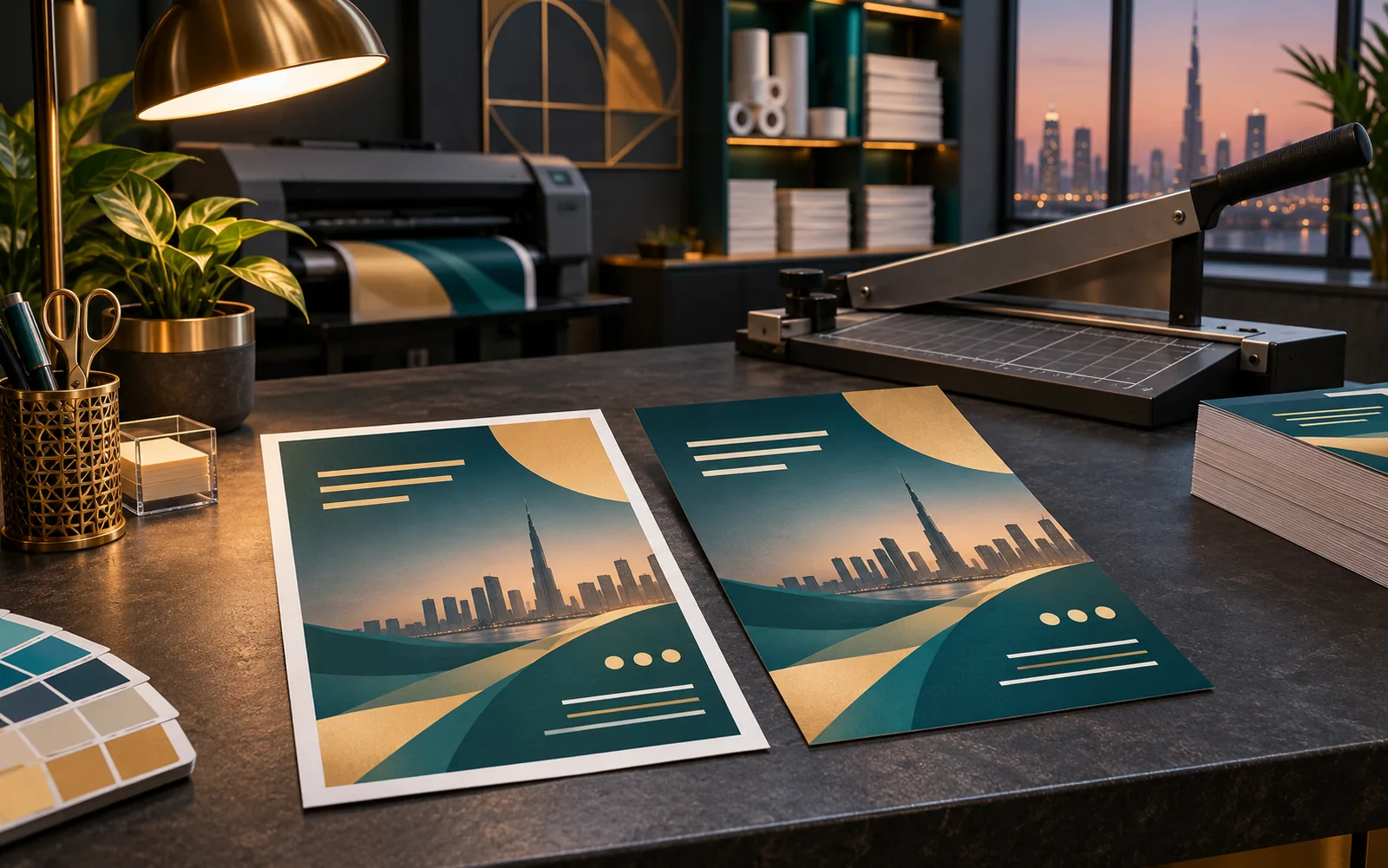
Print-ready artwork is a file a printer can run without changing anything: correct size with bleed, CMYK colour, images sharp enough for the printed size, fonts embedded or outlined, and exported as a PDF/X file. We take existing designs, from Canva exports to old source files, and prepare them for any UAE print shop or signage maker.
Key takeaways: Print-Ready Artwork
- 01 Fixing files a printer rejected
- 02 Turning Canva designs into print files
- 03 Resizing one design for many formats
- 04 Preparing signage and wrap artwork
Specialist services
Choose your Print-Ready Artwork service
Every route includes its own design, production and delivery guidance.
01
Canva to Print ConversionCanva designs rebuilt as proper print files, at true size with bleed, CMYK colour and a PDF your printer will accept.
 02
Business Card Print FilesBilingual business cards prepared for print, with finish layers set up correctly and a template for every staff member.
 03
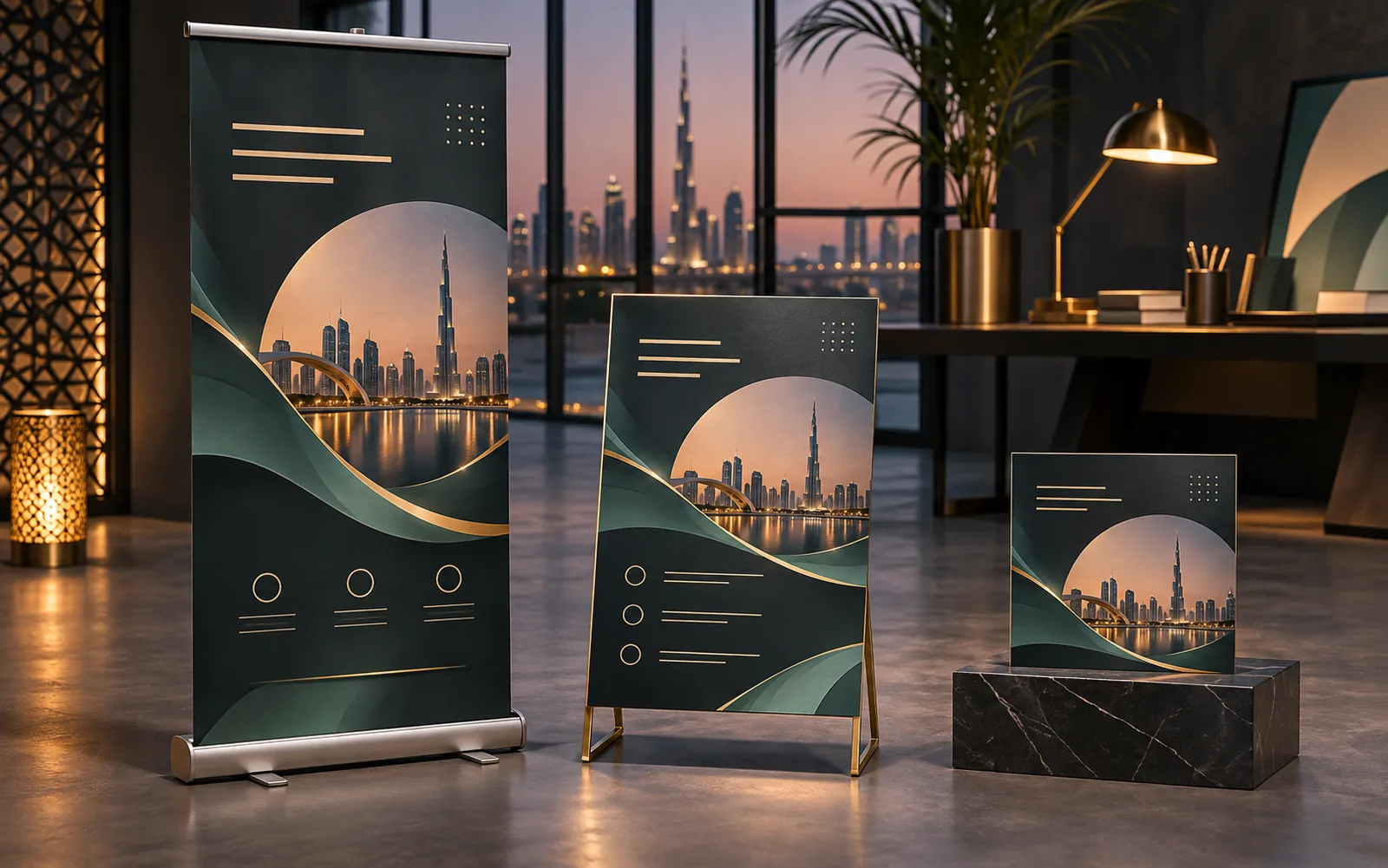
Artwork ResizingOne approved design adapted to every size a campaign needs, from a roll-up banner to an Instagram story, each laid out properly.
 04
Logo VectorisationLow-resolution logos redrawn by hand as clean vector files that sign makers, printers and embroiderers can use.
 05
Arabic Text Fix for PrintArabic text that shows as disconnected letters, reversed words or empty boxes, reset properly and checked by a native speaker.
Selected work
Recent print-ready artwork work
Projects by the Auronix design team for brands across sectors. Open any piece to see it full size.


Printers send files back for the same handful of reasons: no bleed, RGB colour, low-resolution images, missing fonts and broken Arabic text. Each one costs a day. We check for all of them before the file leaves us.
Why does my printer keep rejecting my file?
The usual causes are artwork with no bleed, RGB colour from a screen design tool, images that are too small for the printed size, fonts that were not embedded, and Arabic text that broke when the file was opened on another computer. All five are fixable before printing.
- Bleed added or extended
- RGB converted to CMYK
- Low-resolution images flagged
- Fonts embedded or outlined
Can you turn a Canva design into a print file?
Usually, yes. We rebuild the design at the correct print size with bleed, convert the colour and export a proper PDF/X file. If an image is too small to print sharply, we tell you before printing, not after.
- Rebuilt at true print size
- Colour converted for the stock
- Image resolution checked
- PDF/X export to the printer’s spec
How do you resize one design for many formats?
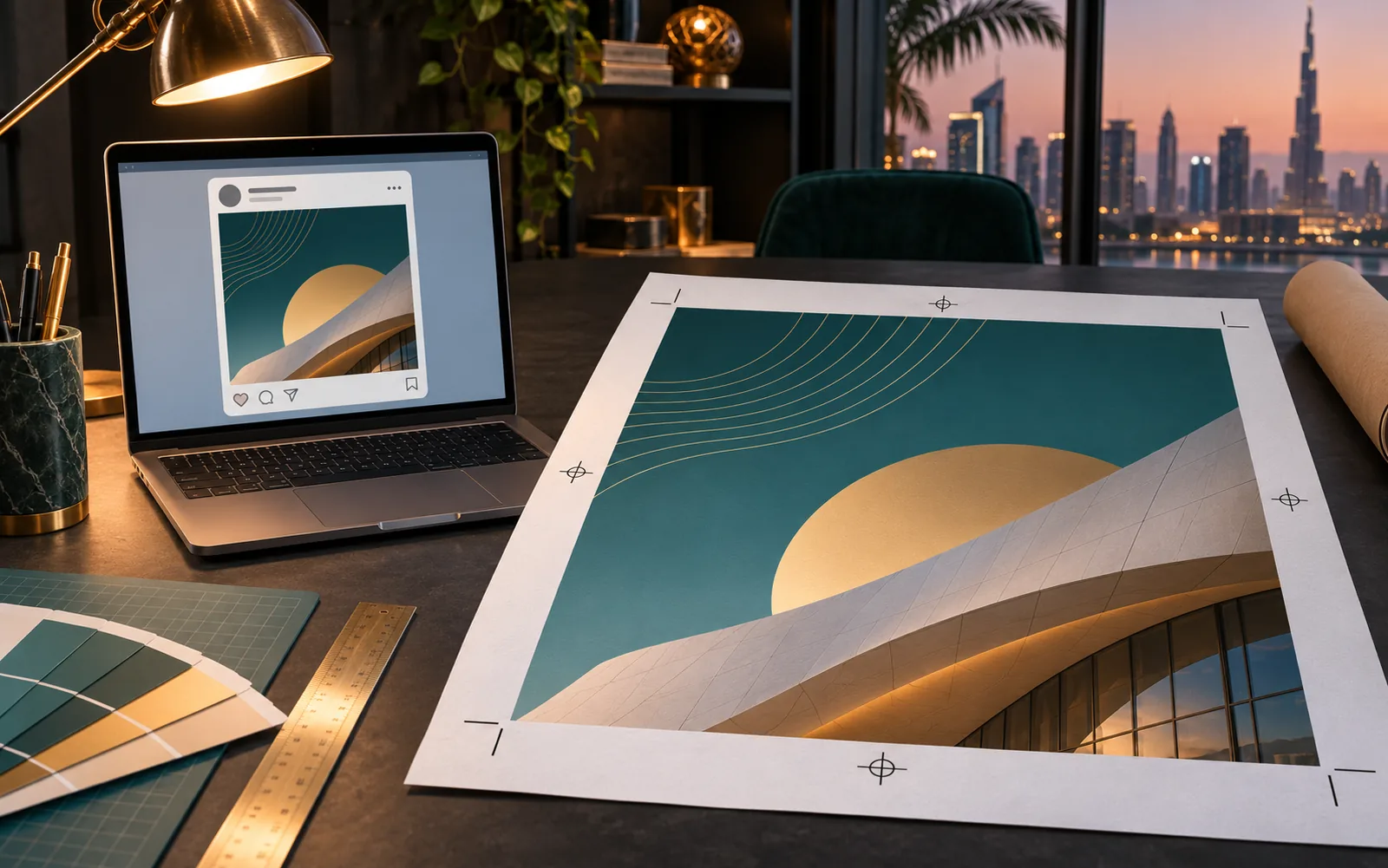
We adapt the layout to each format rather than stretching it. A roll-up banner, an A4 flyer and a shop window graphic need different text sizes and arrangements, even when the design looks the same at a glance.
- Layout adapted per format
- Text re-sized for viewing distance
- One master, many outputs
- Each file named by size and use
How a Print-Ready Artwork job runs
-
01
Brief
Send your files and the printer’s spec
-
02
Directions
Pre-press check with a list of issues
-
03
Changes
Fixes and resizing
-
04
Handover
Print-ready PDFs, named and versioned
Print-Ready Artwork specifications at a glance
| Bleed | Typically 3 mm beyond the trim on every edge |
|---|---|
| Safe zone | Text and logos kept 3 to 5 mm inside the trim |
| Colour | CMYK with the printer’s profile; spot colours kept where specified |
| Resolution | 300 ppi at final size for close viewing; lower for large formats viewed from a distance |
| Fonts | Embedded in the PDF or converted to outlines |
| Output | PDF/X-1a or PDF/X-4 (ISO 15930), as your printer requests |
Print-Ready Artwork: frequently asked questions
What files should I send?
The original source file if you have it (AI, INDD, PSD, Figma or a Canva link), plus any fonts and images. A PDF alone works too, but fixes take longer.
Do you need my printer’s specifications?
Yes, if you have them: bleed, colour profile and file format. If not, we prepare to common print-shop defaults and you can confirm them with the printer.
Can you fix Arabic text that shows as broken letters?
Yes. Disconnected or reversed Arabic usually comes from software or fonts without proper Arabic support. We reset the text in a suitable Arabic font and check it with a native speaker.
Can you prepare files for signage and vehicle wraps?
Yes. Large-format and vehicle files have their own scale and resolution rules. For signage or wraps produced by Auronix Advertising, we prepare files to their production spec.
Is this cheaper than a full redesign?
Usually. File preparation keeps your existing design and only fixes what stops it from printing properly.
Get a quote for print-ready artwork
Send your existing files, the size or platform, the deadline and the languages. That is enough for a clear scope and a price.