Coffee shops · Bakeries · Juice bars
Café and Coffee Shop Menu Design
Café menus where drink sizes, milk options and add-ons fit in one clear grid instead of a wall of small text.
- Languages
- Arabic & English
- Studio
- Ajman, UAE
- You receive
- Print + source files
Used for
- Specialty coffee shops and roasteries
- Bakeries and dessert cafés
- Juice, smoothie and tea bars
- Kiosks and drive-through counters
What is Café Menu Design?
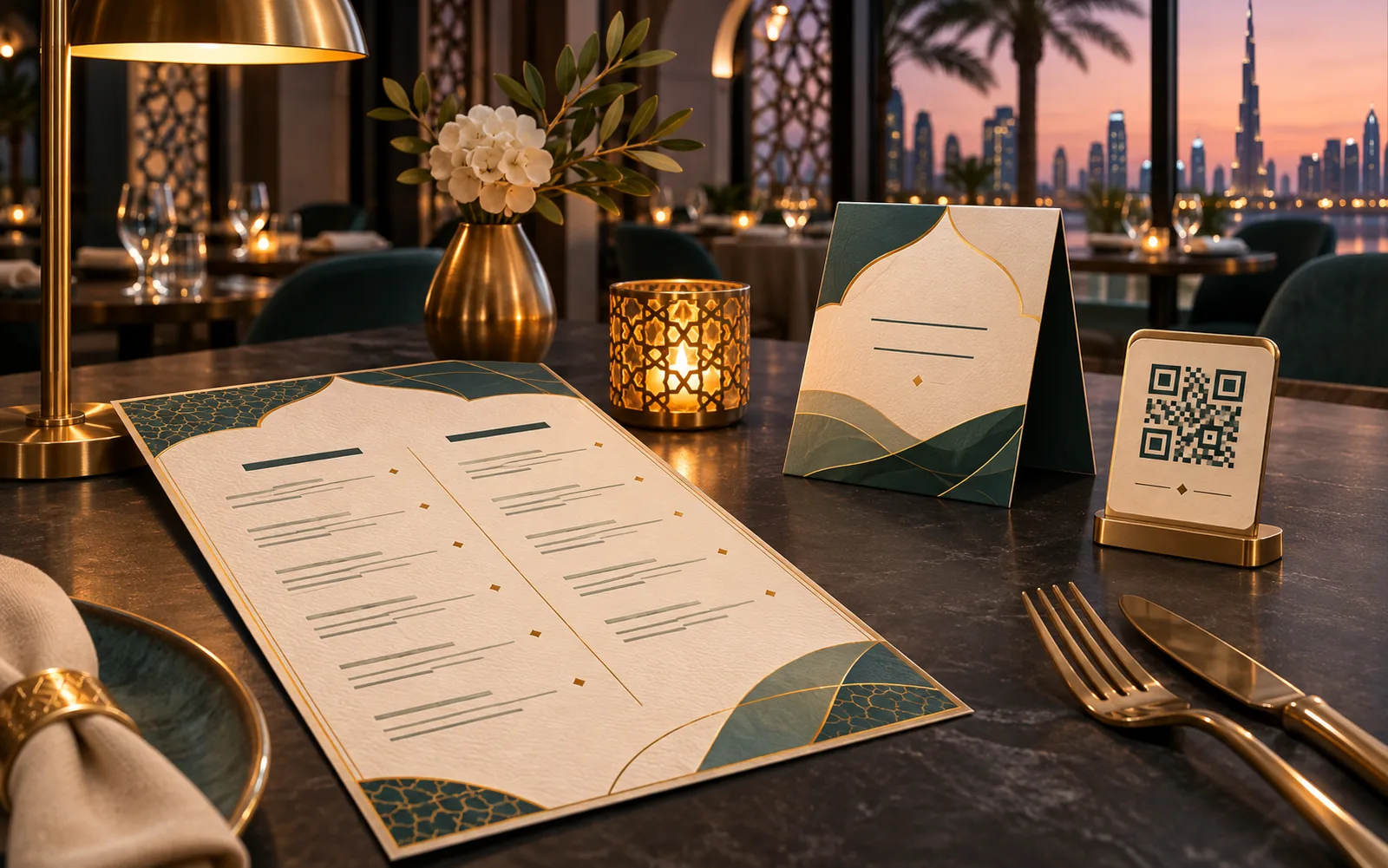
A café menu is mostly a drinks matrix: each drink comes in several sizes, with milk choices, extra shots and syrups on top. We design café and coffee shop menus for UAE counters, tables and QR codes that show sizes and prices in one clear grid, list add-ons once instead of under every drink, and leave a slot for seasonal specials.
Key takeaways: Café Menu Design
- 01 Specialty coffee shops and roasteries
- 02 Bakeries and dessert cafés
- 03 Juice, smoothie and tea bars
- 04 Kiosks and drive-through counters
Customers order coffee standing up, often in a queue, reading a menu over the barista's head. That changes the design. The drink names need to be readable from the queue, the size prices must line up in columns, and the extras belong in one small box, not repeated twenty times.
How do you show drink sizes and prices clearly?
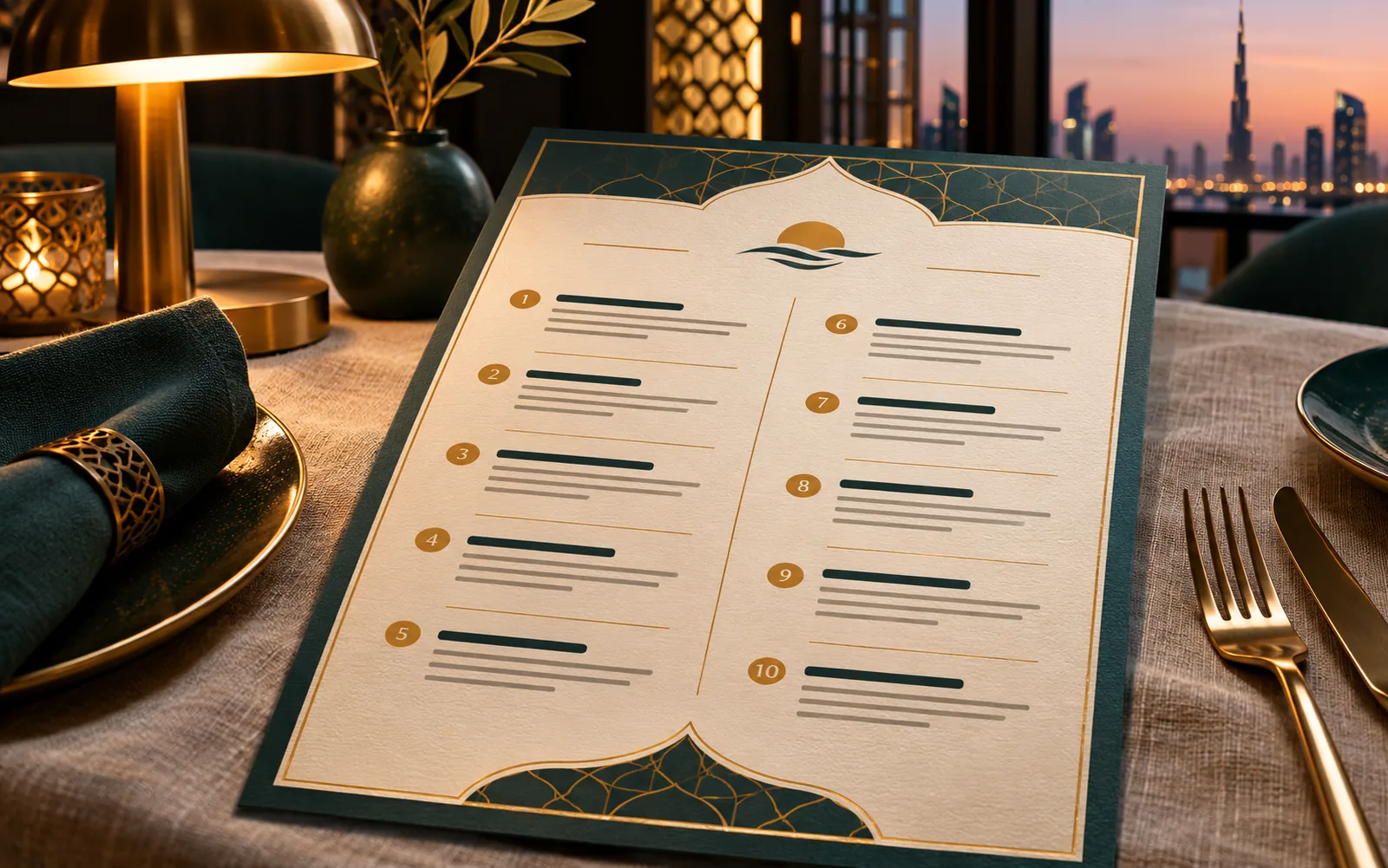
As a grid. Drink names run down the left, sizes across the top, prices in the cells. One glance shows that a large flat white costs more than a small one, and by how much. We keep size names consistent everywhere, whether that is small, medium and large or measured volumes, and match them to what is printed on your cups and in your till system.
- Drinks down, sizes across
- Prices aligned in columns
- Size names match the cups and till
- Readable from the back of the queue
Where should milk options and add-ons go?
In one box, listed once, with the price per add-on. Oat, almond and lactose-free milks, extra shots, syrups and toppings apply to most drinks, so repeating them under each item clutters the menu. A clear 'make it your way' panel near the coffee section answers the question before the customer asks it at the counter, which also speeds up the queue.
- Add-ons listed once
- Price per add-on stated
- Placed beside the coffee section
- Dairy-free options easy to find
How do you handle seasonal drinks and specials?
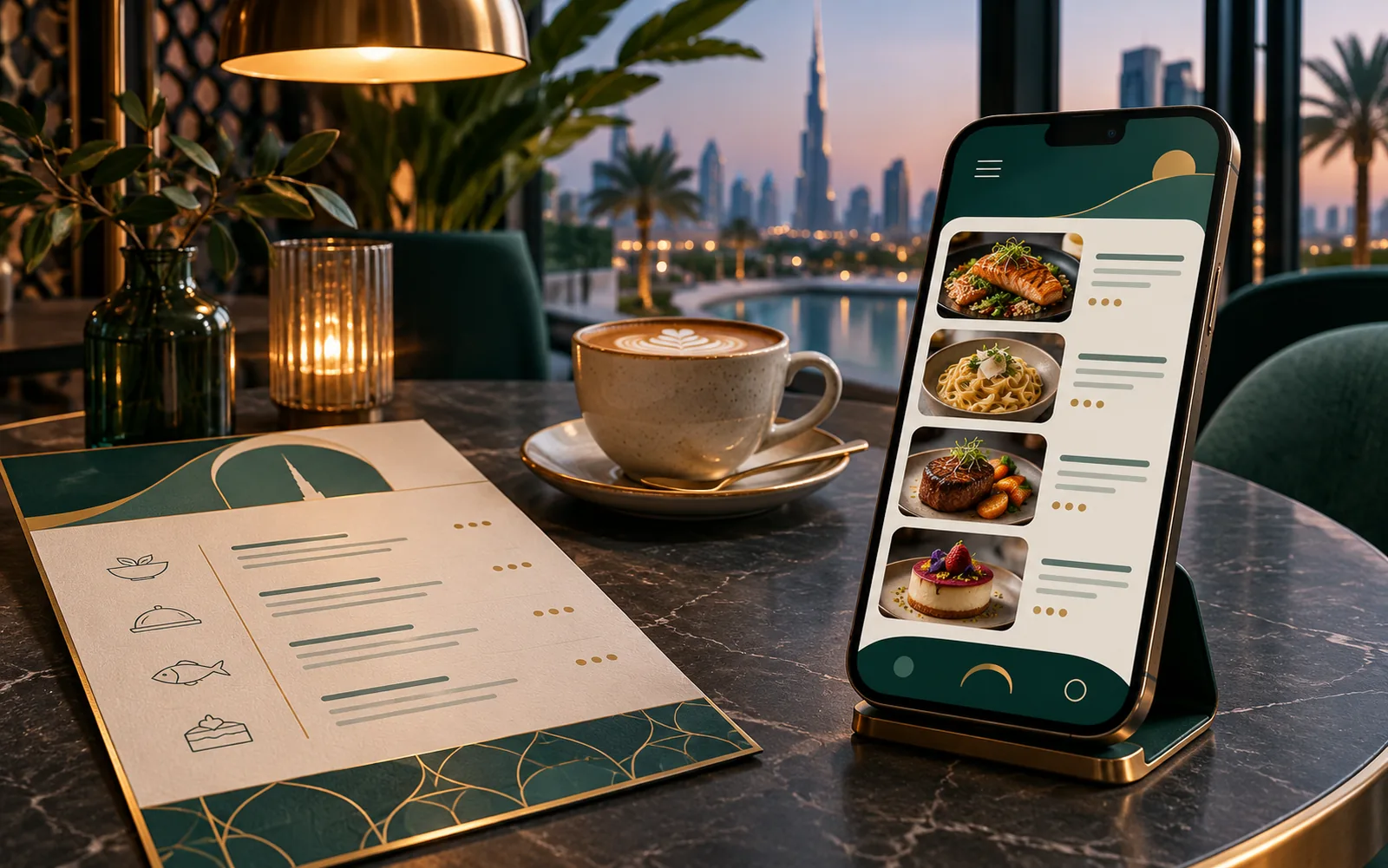
With a separate panel or card. A summer cold brew range or a Ramadan special changes every few weeks, while your core menu might stay the same for a year. A slide-in insert, a counter card or a QR-linked page keeps specials fresh without reprinting the main board. We design the seasonal panel in the same style, so it looks planned rather than taped on.
- Seasonal panel separate from the core menu
- Counter cards for limited drinks
- Same style as the main menu
- Core menu reprinted less often
How a Café Menu Design job runs
-
01
Brief
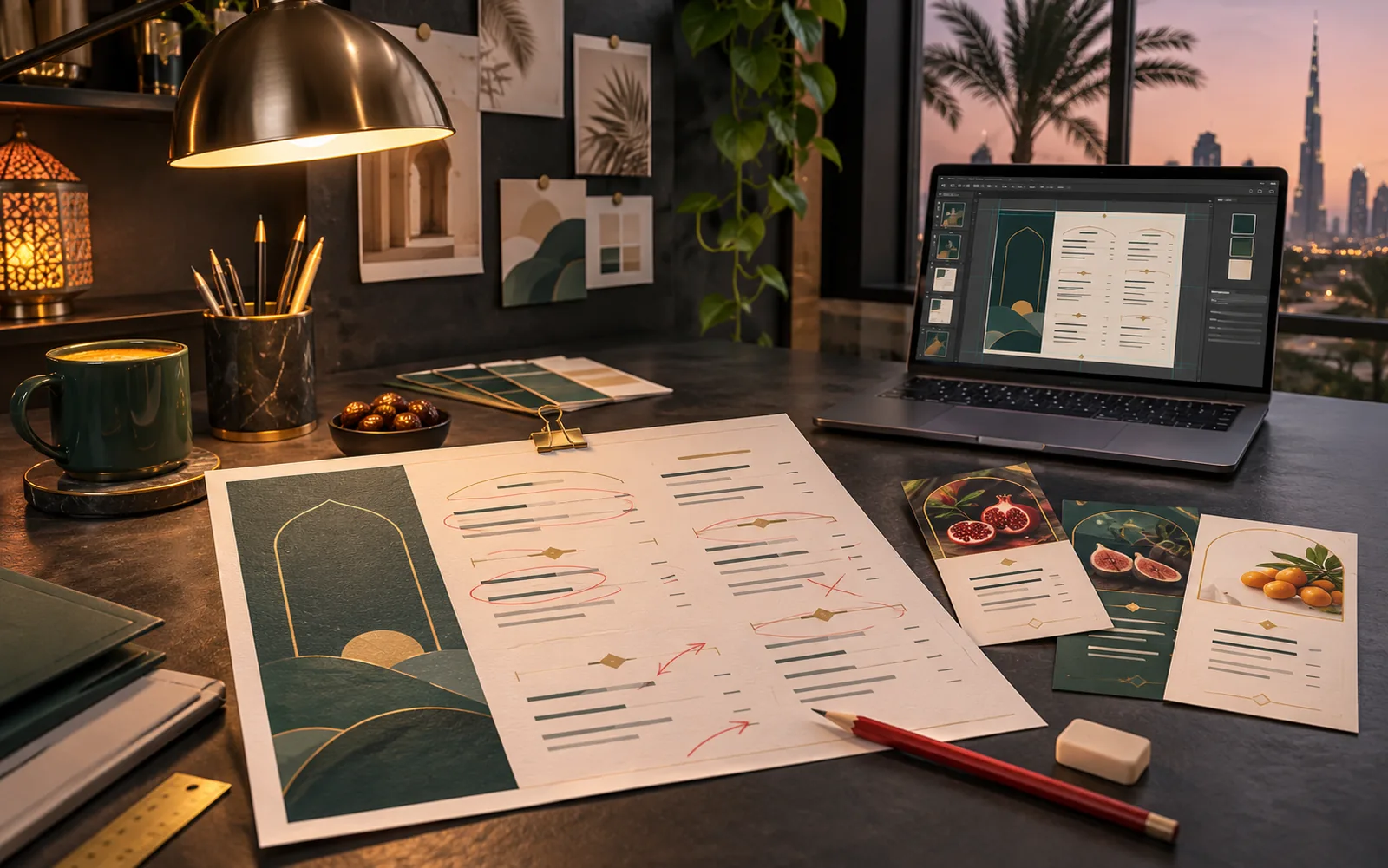
You send the drinks and food list, sizes, add-ons and prices.
-
02
Directions
We plan the grid and section order, with best sellers placed first.
-
03
Changes
Full menu design with one combined round of changes.
-
04
Handover
Counter, table and QR files delivered, plus the editable source.
Café Menu Design specifications at a glance
| Counter menu | Sized to your wall or menu board frame; A1 594 × 841 mm or A2 420 × 594 mm posters are common (ISO 216) |
|---|---|
| Table and takeaway | A4 or A5 cards, or DL 99 × 210 mm leaflets for takeaway |
| Drinks grid | Sizes in columns, matching cup labels and till buttons |
| Languages | English and Arabic on the same line per item |
| Files | Print PDF with 3 mm bleed, QR menu PDF, editable source for price changes |
Café Menu Design: frequently asked questions
Should a café menu show calories?
Depending on your emirate and business type, calorie information may be required or encouraged on menus. Check the current rule with your local food authority. If figures are needed, we add a column that sits neatly in the drinks grid instead of cluttering the names.
Can you design the cup stickers and sleeves too?
Yes. Cup stickers, sleeves and takeaway bags can share the menu's design system. Send us the cup sizes and the sticker or sleeve template from your supplier, and we prepare the print files to fit.
How do we keep the menu board and the till in sync?
Use the same drink names and size names in both. When a price changes, update the till and the menu file on the same day. We hand over an editable source where each price is a separate text field, so the change takes minutes.
Do you design menus for drive-through lanes?
Yes, with larger type and fewer items, since drivers read from a moving car at a distance. Drive-through boards usually show best sellers and combos only, with the full menu available by QR or at the window.
Can the menu include photos of drinks?
A few strong photos of signature drinks help, especially for unfamiliar items such as specialty or seasonal drinks. Too many photos make a counter menu hard to scan. We work with your photos or a shoot you arrange.
Get a quote for café menu design
Send your files, the size or platform, the deadline and the languages. That is enough for a clear scope and a price.