Investor decks · Sales decks · Proposals
Pitch Deck and Presentation Design
Investor and sales decks redesigned around one point per slide, handed over in a format your team can keep editing.
- Languages
- Arabic & English
- Studio
- Ajman, UAE
- You receive
- Print + source files
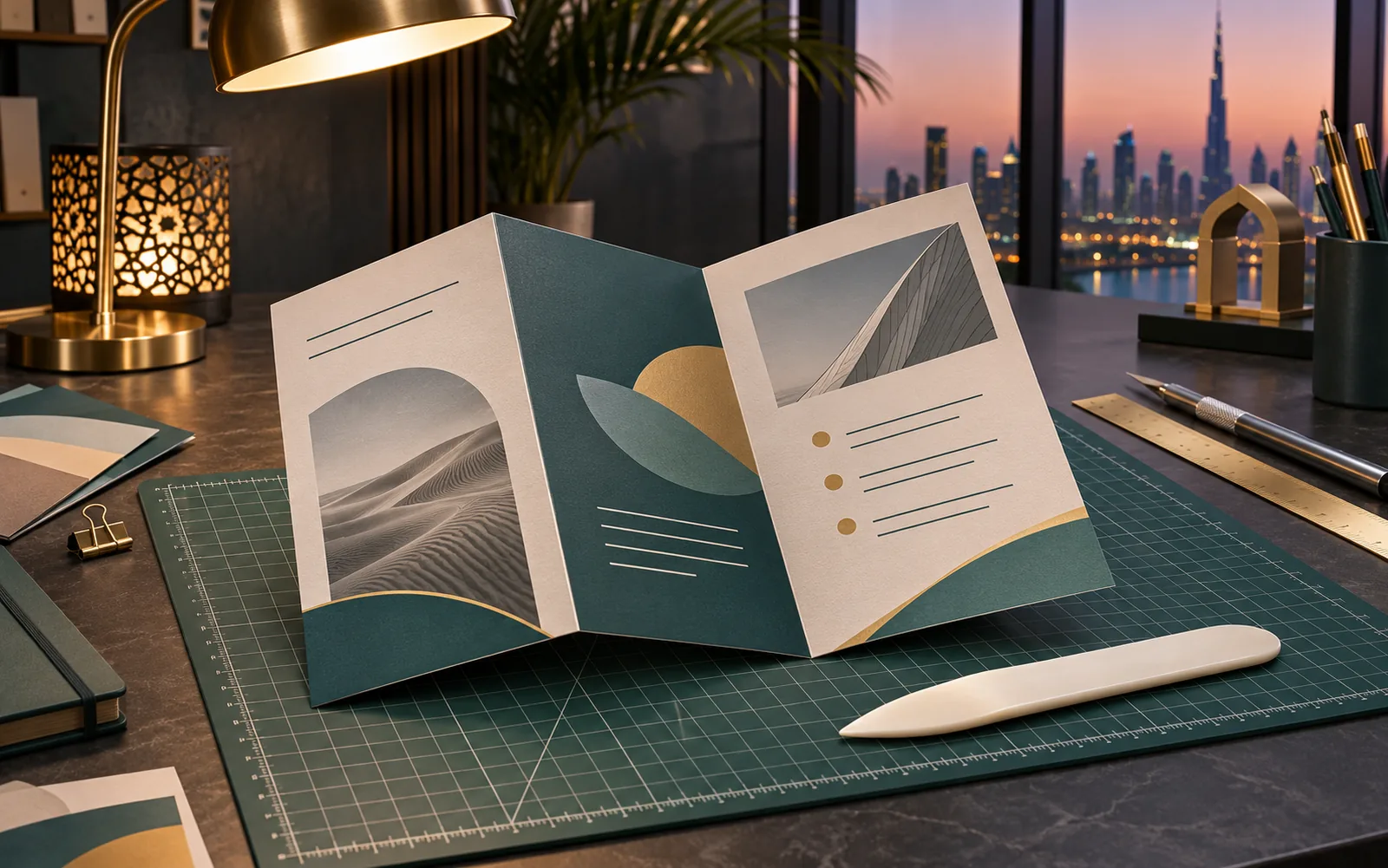
Used for
- Investor and fundraising decks
- Sales and partnership presentations
- Tender and proposal presentations
- Conference and keynote slides
What is Pitch Deck Design?
A pitch deck is usually read twice: once on a screen while you present, and again as a PDF forwarded to someone who was not in the room. We design investor decks, sales decks and proposals for UAE founders and companies with one point per slide, charts rebuilt from your data, and a separate leave-behind version that makes sense without you talking over it.
Key takeaways: Pitch Deck Design
- 01 Investor and fundraising decks
- 02 Sales and partnership presentations
- 03 Tender and proposal presentations
- 04 Conference and keynote slides
Selected work
Related work from our team
Projects by the Auronix design team for brands across sectors. Open any piece to see it full size.
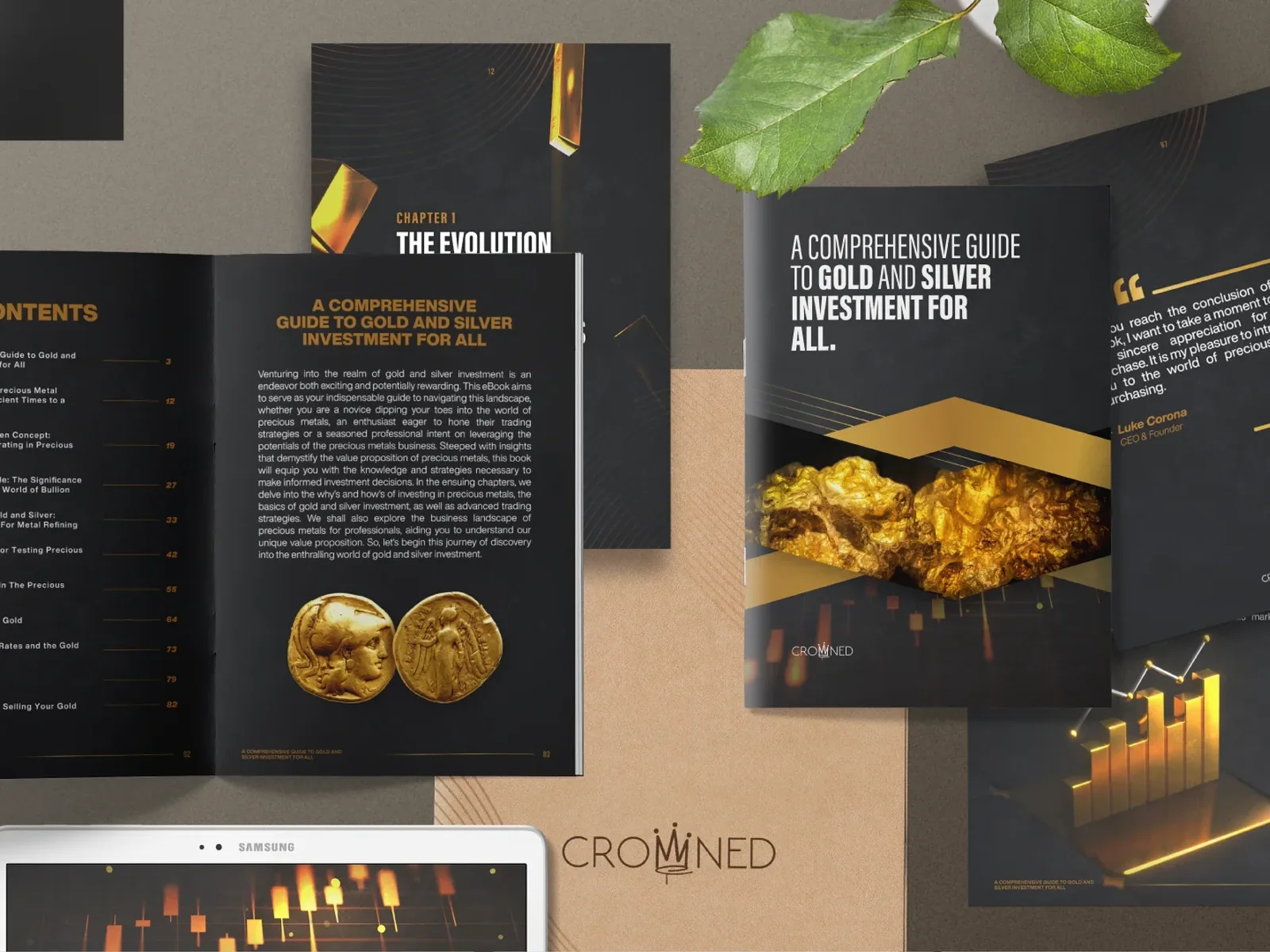
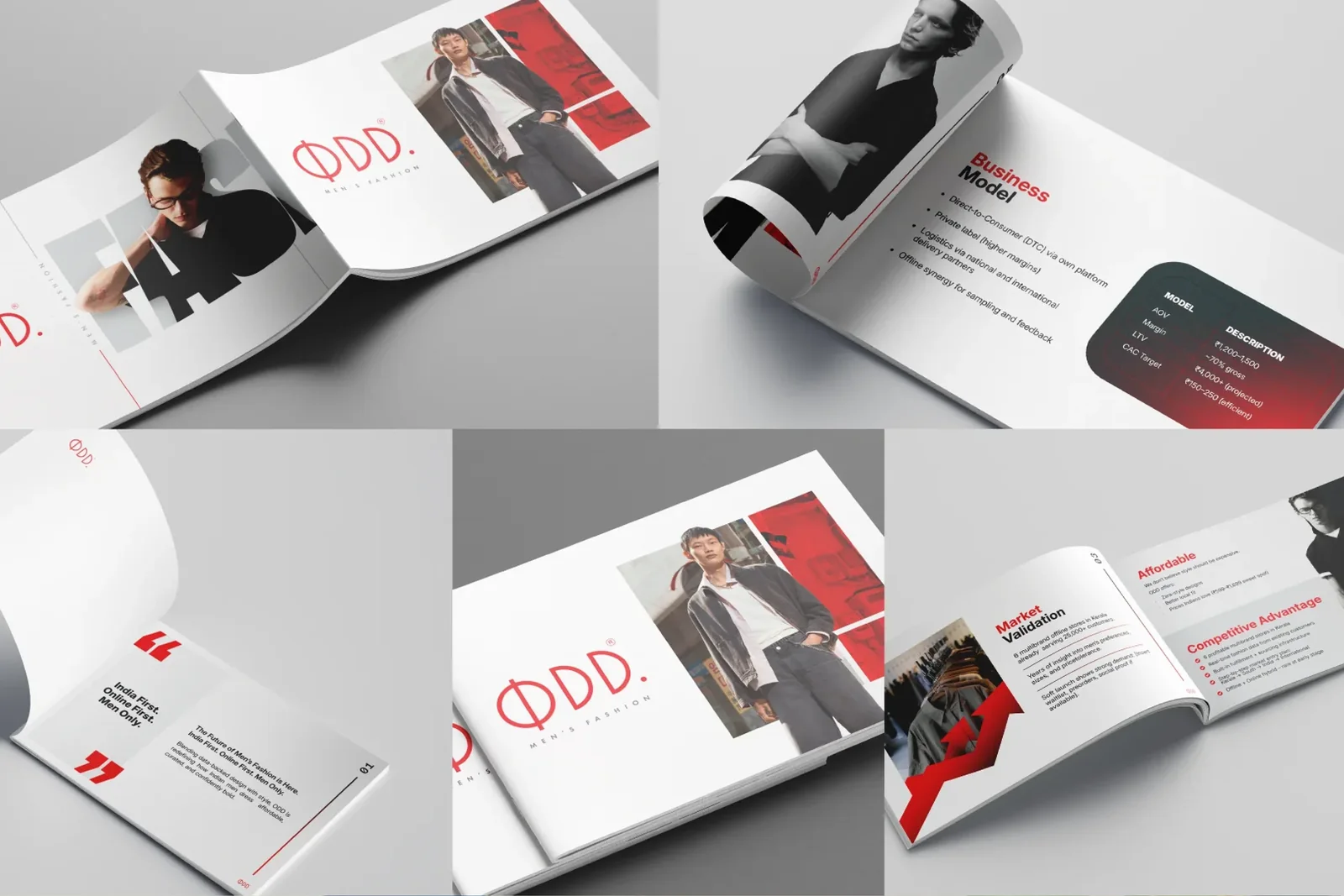
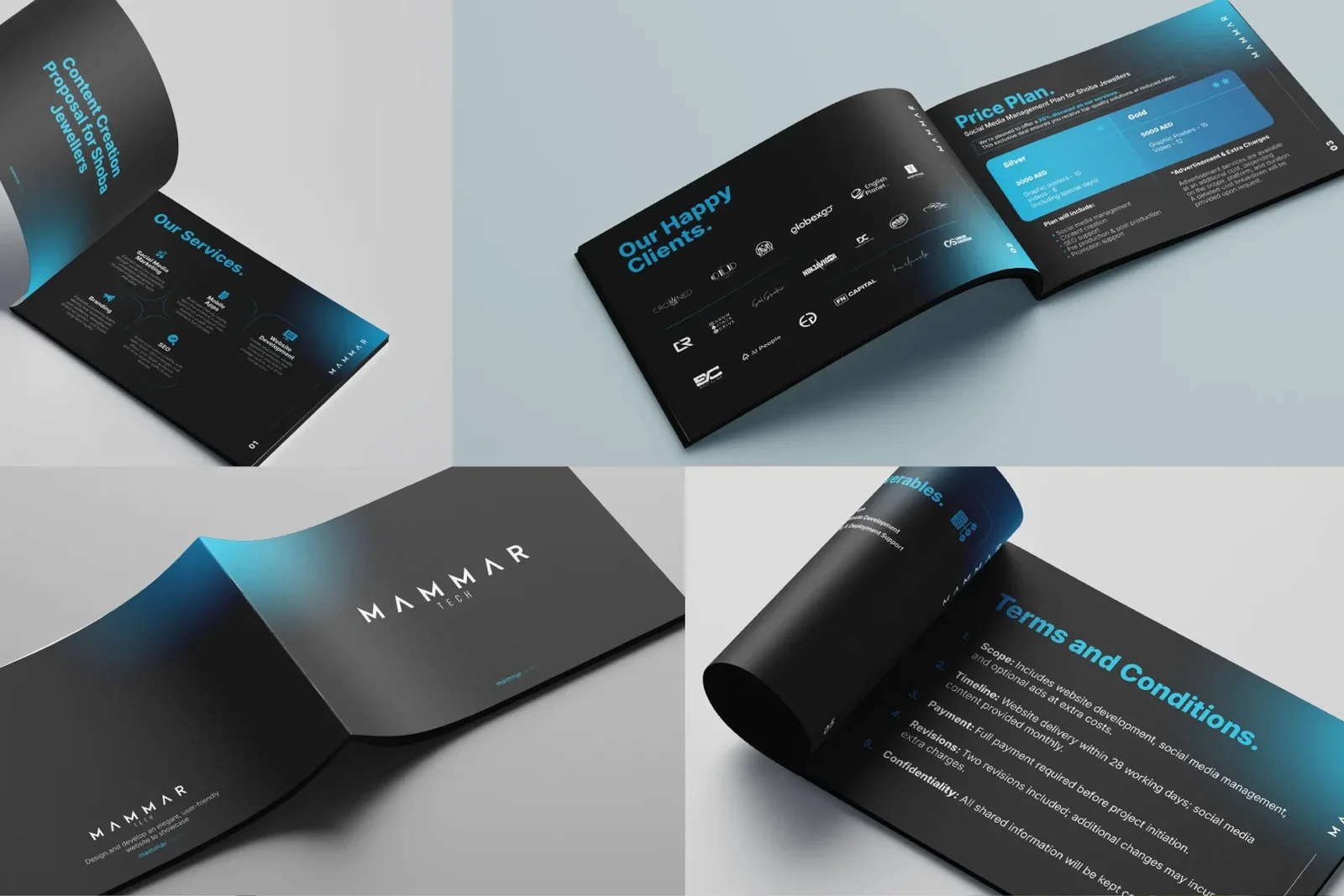
We do not write your numbers. We make them readable. Most decks we receive have strong content buried under too many words per slide. We cut each slide to one claim and one piece of proof, move the detail to notes or an appendix, and build a master template your team can reuse.
What is the difference between a presenting deck and a leave-behind?
A presenting deck supports you: big statements, few words, a chart you explain out loud. A leave-behind has to explain itself, because it gets forwarded to a partner who never heard the pitch. Trying to make one file do both is why so many decks end up crowded. We design both from the same template, so they look like one document.
- Presenting deck: few words per slide
- Leave-behind: self-explaining text
- Shared template and charts
- Appendix for detailed data
PowerPoint, Keynote or Google Slides?
Whatever your team will edit after we hand it over. Google Slides suits teams that collaborate live; PowerPoint is safer for sending to corporate and government audiences; Keynote suits Mac-only teams. Fonts are the trap. A custom brand font that is not installed on the presenting laptop falls back to something else, so we embed fonts where the software allows or choose fonts that travel.
- Format chosen by who edits it
- Master slides and layouts set up
- Fonts embedded or chosen to travel
- PDF export for sending
How do you make charts and numbers readable on a slide?
We rebuild charts in the deck software from your data, so they stay editable, and strip them back: no 3D effects, fewer gridlines, the key number labelled directly. Each chart slide carries a headline that states the takeaway in words. If the audience needs a spreadsheet to understand a slide, that slide belongs in the appendix. Colour does work too: one highlight colour for your figure, grey for the rest.
- Charts rebuilt and editable
- Takeaway written as the slide headline
- Key figure labelled on the chart
- Dense tables moved to the appendix
How a Pitch Deck Design job runs
-
01
Brief
You send your current deck, data and the audience you are pitching to.
-
02
Directions
We restructure the story and agree the slide list with you.
-
03
Changes
Design of the full deck with one combined round of changes.
-
04
Handover
Editable deck, master template and PDF versions delivered.
Pitch Deck Design specifications at a glance
| Slide size | 16:9 widescreen, 1920 × 1080 px or the software's default widescreen size |
|---|---|
| Formats | PowerPoint (PPTX), Keynote or Google Slides, plus PDF |
| Fonts | Embedded where the software supports it, or licensed fonts installed on presenting machines |
| Charts | Native, editable charts rebuilt from your spreadsheet |
| Handover | Master template with slide layouts, presenting deck, leave-behind PDF |
Pitch Deck Design: frequently asked questions
Do you write the pitch content?
We restructure and tighten the wording you have, and suggest where the story is thin. Financials, traction figures and market numbers come from you. We never invent or round figures, and we flag any claim on a slide that looks like it needs a source.
How many slides should a pitch deck have?
Enough to make the case and no more. Investor decks are often kept short, with detail moved to an appendix you can open if asked. The right number depends on your audience and time slot, so tell us both.
Can you design a deck in Arabic?
Yes. Arabic slides need right-to-left layouts, mirrored slide masters and Arabic-capable fonts that work on the presenting machine. We test the deck on the software you will present from, because Arabic text breaks easily when fonts are swapped.
Can our team add slides later?
Yes. That is what the master template is for. We set up layouts for title slides, statements, charts, team and quotes, so new slides pick up the right fonts and colours instead of being built from blank pages.
Is our deck kept confidential?
Yes. Pitch decks often hold financials and plans that are not public. We do not show client decks in our portfolio without written permission, and we can sign a non-disclosure agreement before you send the file.
Get a quote for pitch deck design
Send your files, the size or platform, the deadline and the languages. That is enough for a clear scope and a price.