A Lead Dashboard a Small Sales Team Will Actually Open

Short Answer
A useful sales dashboard shows a handful of agreed numbers, captures every lead with its source in one system, uses clear statuses, connects GA4 key events and limits access to personal data.
Small sales teams in the UAE handle leads from website forms, phone calls, WhatsApp, walk-ins and partner referrals. Without one clear view, managers chase updates in chat groups, emails and spreadsheets every week. A simple dashboard can show what really matters in under a minute each morning. The trick is showing fewer numbers, not more, so people actually open it.
This guide explains which metrics, lead sources and statuses a small UAE sales team needs on one screen. It covers capturing leads from forms, calls and WhatsApp, defining statuses and keeping data accurate. It refers to Google Analytics documentation on key events and UAE data protection guidance. Each section ends with a short answer for sales managers and business owners.
Which numbers should a small sales dashboard show?
Start with five simple core numbers: new leads, leads contacted, quotes sent, deals won and total revenue won. Show each figure for this week and this month, compared with the previous equivalent period. Anything more usually distracts the team from the daily actions that actually matter.
Add average first response time, because slow first replies often lose enquiries to faster competitors. Add conversion rates from lead to quote and from quote to won sale. Keep each number clearly defined in writing, so everyone reads it the same way every time.
Quick answer: A Lead Dashboard a Small Sales Team Will Actually Open
Show new leads, leads contacted, quotes sent, deals won and revenue won, compared with the previous period. Add average first response time and conversion rates, each clearly defined in writing.
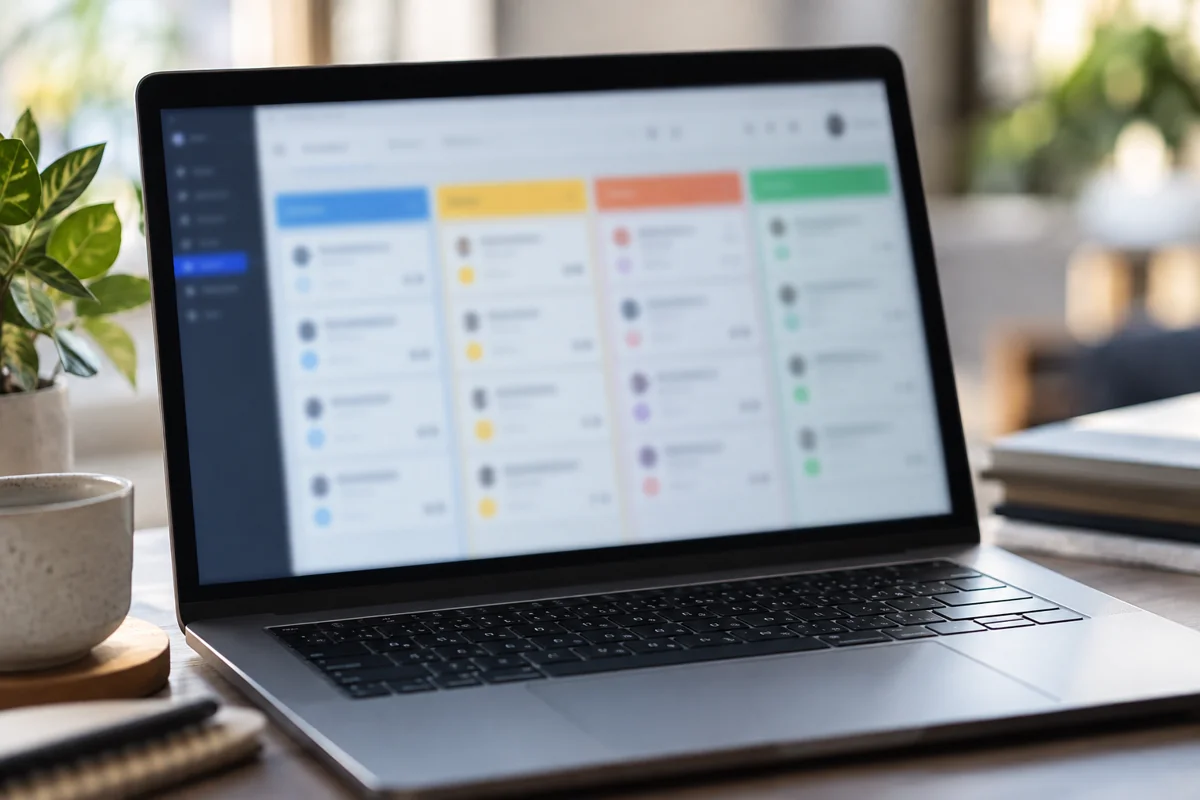
How should leads from forms, calls and WhatsApp reach the dashboard?
Every lead should land in one system, usually a simple CRM, before it appears on the dashboard. Website forms can send leads automatically, while calls and WhatsApp chats need either integrations or a quick manual entry. Record the original source for every lead, without exception.
Avoid counting the same customer twice when they call, email and send WhatsApp messages on the same day. Our guide to deduplicating leads from WhatsApp, forms and calls explains how to merge duplicate records. Clean, deduplicated data matters far more than attractive charts or colours.
Quick answer: A Lead Dashboard a Small Sales Team Will Actually Open
Send every lead into one system, usually a CRM, recording its source, before it reaches the dashboard. Deduplicate customers who contact you through several channels, because clean data matters most.
Which lead statuses should the team use?
Use a short list of statuses that match how real deals move, such as new, contacted, quoted, won and lost. Each status should have a clear rule for exactly when a lead moves forward. Too many statuses create confusion, inconsistent reports and skipped updates.
Record a reason whenever a lead is marked lost, such as price, timing, competitor or no response. Over time, those reasons often reveal more than the overall win rate itself. Our guide to choosing a CRM the team will actually use covers mapping real deal stages.
Quick answer: A Lead Dashboard a Small Sales Team Will Actually Open
Use a few clear statuses, such as new, contacted, quoted, won and lost, with rules for each. Record lost reasons, because they often reveal more than overall win rates do.
How do you connect website data to the sales dashboard?
Website analytics show which pages and campaigns produce enquiries, while the CRM shows which become sales. Google Analytics defines a key event as one measuring an action particularly important to your business's success. Mark form submissions, WhatsApp clicks and call clicks as key events.
Pass the lead source and campaign into the CRM with each enquiry, so sales can be traced back later. Then the dashboard can show which channels actually bring revenue, not just leads. Our guide to GA4 lead tracking explains the full tracking setup step by step.
Quick answer: A Lead Dashboard a Small Sales Team Will Actually Open
Mark form submissions and call or WhatsApp clicks as GA4 key events, which Google defines as business-critical actions. Pass source and campaign into the CRM so revenue traces to channels.
Who should see what on the dashboard?
Individual salespeople need their own leads, tasks and follow-ups, while managers need team totals, targets and trends. Owners usually want revenue, pipeline value and conversion rates on one simple, readable view. Give each role only the detail it needs to act on each day.
Dashboards show personal data such as names and phone numbers, so access needs limits. The UAE government portal explains that Federal Decree-Law 45 of 2021 prohibits processing personal data without consent, with exceptions. Limit customer contact details to the people who need them for work.
Quick answer: A Lead Dashboard a Small Sales Team Will Actually Open
Show salespeople their own leads and tasks, managers team trends and owners revenue and conversion. Limit personal data to people who need it, in line with UAE data protection law.
Takeaways: A Lead Dashboard a Small Sales Team Will Actually Open
Show five core numbers: new leads, contacted, quotes, deals won and revenue, plus response time and conversion rates. Capture every lead in one system with its source, and deduplicate customers across channels. Use a few clear statuses and record reasons for every lost lead. Connect GA4 key events and campaign data to the CRM, and limit access to personal data.
Fewer numbers, better decisions
A sales dashboard is only useful if the team trusts the numbers and opens it every single day. Start with clean lead capture from every channel, clear statuses and a handful of agreed metrics. Connect website key events and lead sources, so revenue traces back to marketing channels. Then review the dashboard together every week and act on what it shows.
Auronix offers custom CRM and business automation solutions in the UAE, including sales dashboards for small teams. Send us your current lead sources, tools and the questions your managers ask every single week. We will connect forms, calls and WhatsApp into one clean view your team can trust. Request a quote to start with your busiest lead channel first.
Sources: A Lead Dashboard a Small Sales Team Will Actually Open
FAQs
FAQs: A Lead Dashboard a Small Sales Team Will Actually Open
What should a small sales dashboard include?
Start with new leads, leads contacted, quotes sent, deals won and revenue won for this week and month. Then add average response time and conversion rates between key sales stages.
How many metrics should a sales dashboard have?
Few enough to read in under a minute, usually around five core numbers plus response time and conversion rates. More metrics usually reduce how often busy salespeople actually open it.
How do WhatsApp leads get into the dashboard?
Through a WhatsApp integration with your CRM, or a quick manual entry after each new conversation. Always record the source and deduplicate customers who also call, email or submit forms.
What lead statuses should we use?
Use a short list that matches how real deals move, such as new, contacted, quoted, won and lost. Define clear written rules for exactly when a lead moves between statuses.
Why record reasons for lost leads?
Lost reasons, such as price, timing or no response, often reveal more than the overall win rate. They show exactly what to fix in pricing, follow-up speed or service offers.
What is a key event in GA4?
Google Analytics defines a key event as one measuring an action particularly important to your business's success. Form submissions and call clicks are very common examples on lead generation websites.
How do I see which marketing channels bring revenue?
Pass the lead source and campaign details into your CRM automatically with each enquiry. The dashboard can then show won revenue by marketing channel, not just lead volume or clicks.
Who should have access to the sales dashboard?
Give salespeople their own leads and tasks, managers team views and owners revenue summaries. Limit personal data to those who need it, in line with UAE data protection law.
Can we build a dashboard without a CRM?
A spreadsheet can work briefly for very small teams, but manual updates quickly become inconsistent. A simple CRM usually makes capture, statuses and reporting far more reliable as volume grows.
Can Auronix build a sales dashboard for our team?
Yes, Auronix builds CRM setups and simple dashboards that combine leads from forms, calls and WhatsApp. We define the metrics, statuses and access rules with your team before building anything.
Related Resources
Need help choosing the right stack?
We help UAE businesses keep public pages fast, indexable, and conversion-friendly, then reserve heavier frameworks for the parts that actually need them.
Built for search-ready UAE websites that need clarity, speed, and trust.
