Loading Arabic and Latin Web Fonts Without Slowing the Page
Short Answer
Bilingual sites load faster when fonts are subset, served as WOFF2, given a deliberate font-display setting, preloaded sparingly and limited to the weights the design really uses.
Bilingual UAE websites often load two font families, one for English and one for Arabic, sometimes in several weights. Arabic fonts often include many contextual letter forms and ligatures, so files can be quite large. Slow fonts can delay headings and shift layouts as they finally load on mobile. Good font loading keeps both written languages fast, readable and visually stable.
This guide explains how to load Arabic and Latin web fonts without slowing the bilingual page. It covers subsetting, WOFF2, font-display, preloading and limiting weights, all measured against Core Web Vitals. It relies on Google's web.dev guidance on font best practices and Core Web Vitals thresholds. Each section ends with a short answer for your design and development team.
Why do web fonts slow bilingual websites?
Each font file must download before the browser can show text in that font. web.dev's font best practices note that font loading can delay Largest Contentful Paint in some situations. Layout shifts occur when a web font and its fallback take up different space.
Bilingual sites multiply the problem, because each language may need regular, bold and several other weights. Google's Core Web Vitals guidance says LCP should occur within 2.5 seconds and CLS should stay at 0.1 or less. Heavy fonts can affect both measurements, especially on mobile phones.
Quick answer: Loading Arabic and Latin Web Fonts Without Slowing the Page
Font loading can delay text rendering and LCP, and later fallback swaps can cause layout shifts. Google's good targets are LCP within 2.5 seconds and CLS of 0.1 or less.
How much can subsetting and WOFF2 save?
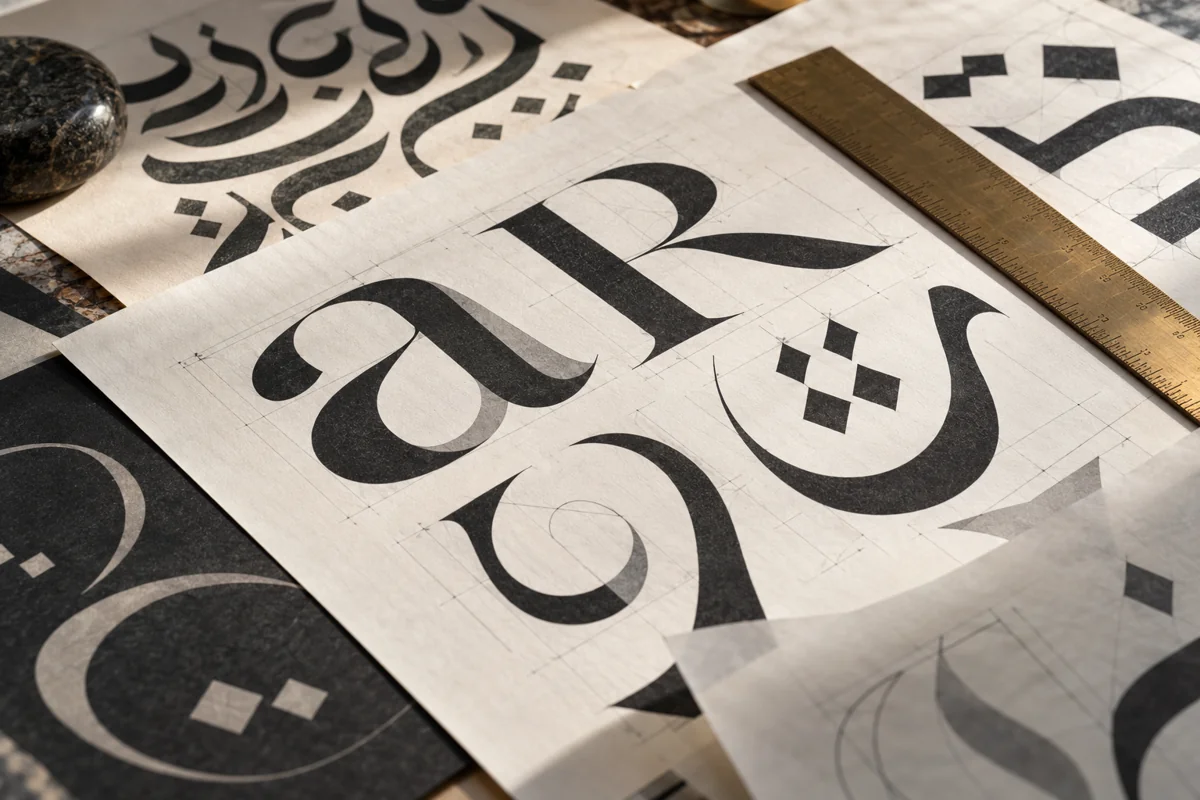
Subsetting removes characters a page never actually uses, such as rarely needed glyphs, symbols or unused language ranges. web.dev says removing unused glyphs can significantly reduce the file size of a font. The CSS unicode-range descriptor lets modern browsers download only the subsets each page actually needs.
Serve every font in the modern WOFF2 format wherever your licence allows. web.dev explains that WOFF2 compresses 30% better than older WOFF because it uses Brotli. Our guide to font licensing for bilingual launches explains exactly when subsetting or converting files needs permission.
Quick answer: Loading Arabic and Latin Web Fonts Without Slowing the Page
Subset fonts to remove unused glyphs and use unicode-range so browsers download only the needed subsets. Serve WOFF2, which web.dev says compresses 30% better than WOFF, after checking font licences.
Which font-display setting should you use?
The CSS font-display descriptor controls exactly what visitors see while each web font loads. web.dev says font-display: swap delays text render the least, but the font must arrive early enough to avoid layout shift. It also presents font-display: optional as the most performant choice overall.
With optional, text render is delayed for only a brief, browser-dependent period, but a late font is not used. That trade-off often suits body text, where a well-chosen fallback font reads acceptably. Headlines may justify swap, combined with careful fallback font matching to limit shifts.
Quick answer: Loading Arabic and Latin Web Fonts Without Slowing the Page
web.dev says swap delays text render least but can shift layouts, while optional performs best. Optional delays text for only a brief, browser-dependent period but skips fonts that arrive late.
Should you preload Arabic and Latin fonts?
Preloading tells the browser to fetch a font early, before it discovers it in the stylesheet. web.dev says preloading the most important fonts can be very effective when using external stylesheets. It also warns that preload takes browser resources away from loading other files.
Preload only the one or two fonts used above the fold, such as the main heading font in each language. Avoid preloading every weight and style, because that slows other critical resources. Test the result with real mid-range mobile measurements, not just a fast office connection.
Quick answer: Loading Arabic and Latin Web Fonts Without Slowing the Page
Preload only the one or two fonts used above the fold, such as each language's heading font. web.dev warns that preload takes browser resources from loading other important page files.
How many font weights does a bilingual site need?
Every extra static weight or style can add another file for visitors to download. Most business sites need only regular and bold in each language, plus perhaps one display weight. Variable fonts can replace several weights with a single file when the design uses many.
Choose system fallback fonts with similar proportions, so text shifts less when each web font arrives. Check Arabic and Latin text together in headings, buttons, forms and navigation on mobile. Our guide to Arabic website RTL problems covers related bilingual layout checks worth running.
Quick answer: Loading Arabic and Latin Web Fonts Without Slowing the Page
Most business sites need only regular and bold per language, and variable fonts can replace several weights. Choose system fallbacks with similar proportions to reduce layout shift when fonts arrive.
Takeaways: Loading Arabic and Latin Web Fonts Without Slowing the Page
Bilingual sites often load large, heavy Arabic and Latin fonts that can delay LCP and cause layout shifts. Subset unused glyphs, use unicode-range and serve WOFF2, which compresses 30% better than WOFF. Use font-display swap or optional deliberately, and preload only one or two key heading fonts. Limit font weights per language, and match fallback font proportions to reduce shifts.
Make fonts serve the page, not slow it
Web fonts shape how a bilingual brand looks, but they should never hold the page hostage. Audit which fonts, weights and styles each page actually loads in both languages today. Subset, compress and limit them, then choose font-display and preload settings deliberately for each font. Measure LCP and CLS on real mid-range phones before and after each individual change.
Auronix offers SEO and performance services in the UAE, including font loading audits for bilingual websites. Send us your website address, the fonts used in each language and their licence details. We will measure their impact, optimise loading and confirm the improvement with Core Web Vitals data. Request a quote to start with your homepage and key service landing pages first.
Sources: Loading Arabic and Latin Web Fonts Without Slowing the Page
FAQs
FAQs: Loading Arabic and Latin Web Fonts Without Slowing the Page
Why are Arabic web fonts so large?
Arabic fonts often contain many glyphs, including contextual letter forms and ligatures, so files can be quite large. Subsetting unused glyphs and WOFF2 compression can reduce their download size significantly.
What is font subsetting?
Subsetting removes characters and glyphs that a page never actually uses from a font file. web.dev says removing unused glyphs can significantly reduce the downloaded file size of a font.
Is WOFF2 better than WOFF?
Yes, web.dev explains that WOFF2 uses Brotli and compresses 30% better than older WOFF. That means less data for visitors to download, especially on slower mobile connections in busy areas.
Should I use font-display swap or optional?
web.dev says swap delays text render the least, while optional is the most performant choice. Optional delays visible text for only a brief, browser-dependent period but skips late fonts entirely.
Should I preload my web fonts?
Preload only the one or two most important fonts used above the fold in each language. web.dev warns that preload takes browser resources away from loading other important page resources.
What are the Core Web Vitals thresholds?
Google's guidance says LCP should occur within 2.5 seconds, INP should be 200 milliseconds or less and CLS 0.1 or less. Measure them at the 75th percentile of page loads.
How do fonts cause layout shift?
Layout shifts happen when a web font and its fallback take up different amounts of space. Matching fallback proportions carefully and loading key fonts early both reduce the visible shift.
How many font weights should a bilingual site load?
Most business sites need only regular and bold in each language, plus perhaps one display weight. Variable fonts can replace several separate weights with one file when designs use many.
Should I self-host web fonts?
web.dev says self-hosted fonts are much less likely to perform better without technologies such as a CDN and HTTP/2. Test both options carefully on real mobile connections before choosing one.
Can Auronix speed up fonts on our bilingual website?
Yes, Auronix audits Arabic and Latin font loading, then carefully applies subsetting, WOFF2, font-display and selective preloading. We can measure LCP and CLS on real phones before and after changes.
Related Resources
Need your website to load faster on mobile?
We help UAE businesses remove weight, simplify templates, and improve Core Web Vitals without breaking the site structure or search intent.
Built for search-ready UAE websites that need faster pages, clearer journeys, and stronger conversion rates.
