Tracking Calls and Visits From Your Google Business Profile Link
Short Answer
Adding consistent UTM parameters to your Google Business Profile links lets GA4 separate visits and enquiries from your map listing, instead of mixing them with ordinary organic search traffic.
For UAE service businesses, the Google Business Profile can be a major source of enquiries beside search listings. Visitors who click the website link from a map result usually appear in Google Analytics as plain organic search traffic. That makes it hard to know how much value the profile actually creates. A few tagged links solve the problem in minutes.
This guide explains how to tag your Google Business Profile links with UTM parameters so GA4 reports them separately. It covers which parameters to use, how to tag website and booking links, reading the results and common mistakes. It relies on Google's help documentation for Analytics and Business Profile. Each section ends with a short answer for your marketing team.
Why should you tag your Business Profile links?
Without tags, GA4 usually groups profile visits with other Google organic search visits. You cannot tell whether a lead came from the map listing or a normal search result. That makes it difficult to judge the return on reviews, photos and profile updates.
UTM parameters add labels to a link so analytics tools can identify where a visit came from. Tagged profile links let you compare profile visits, enquiries and sales against other channels. Our guide to GA4 lead tracking for UAE websites explains how to record the enquiries themselves.
Quick answer: Tracking Calls and Visits From Your Google Business Profile Link
Without tags, GA4 usually groups profile visits with other Google organic search traffic. UTM parameters label profile links so you can measure map-listing visits, enquiries and sales separately in GA4.
Which UTM parameters should you use?
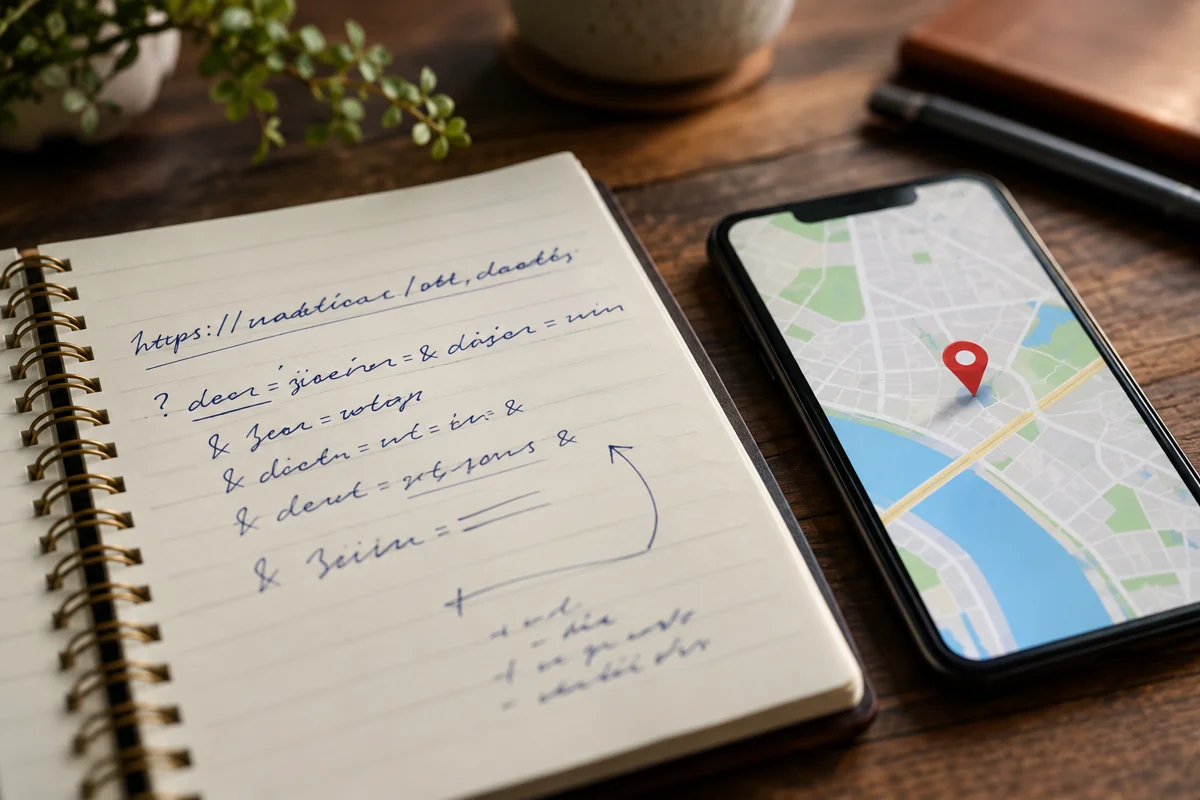
Google's Analytics help on custom URLs says you should always use utm_source, utm_medium and utm_campaign when adding parameters. It also lists other parameters, such as utm_id, utm_content and utm_term, for extra detail. Google warns that missing parameters can produce not set values in reports.
A simple pattern works well for most businesses, such as source google, medium organic and campaign gbp_listing. Google notes that parameter values are case sensitive, so google and Google are treated differently. Write your chosen values down in a shared document and use them consistently everywhere.
Quick answer: Tracking Calls and Visits From Your Google Business Profile Link
Google's Analytics help clearly says you should always use utm_source, utm_medium and utm_campaign. Parameter values are case sensitive, so choose one consistent lowercase pattern, such as google, organic and gbp_listing.
How do you tag website and booking links?
Add the parameters to the end of the full website URL saved in your Business Profile. Google's Business Profile help says to enter the full URL, including http or https first. It also says to make sure Googlebot is not blocked anywhere on your site.
Some business categories can add extra links for orders, reservations or appointments. Tag each one with a different utm_content value, such as website or booking, so you can compare them. Test every tagged link after saving to confirm it opens the correct page without errors.
Quick answer: Tracking Calls and Visits From Your Google Business Profile Link
Add UTM parameters to the full website URL in your profile, including the https prefix. Tag booking or appointment links with different utm_content values, then test each link after saving.
How do you read Business Profile traffic in GA4?
After tagging, look for your chosen source, medium and campaign in GA4's traffic acquisition reports. Compare sessions, engaged sessions and key events, such as form submissions or click-to-call taps, against your other channels. Allow at least a few weeks of data before drawing firm conclusions.
A linked Business Profile shows only call-click totals in GA4 reports, not whether calls were actually answered. Track completed calls separately, for example with a dedicated tracking number or a call tracking service. Our guide to Google Business Profile optimisation covers improving the profile itself.
Quick answer: Tracking Calls and Visits From Your Google Business Profile Link
Find your campaign in GA4 acquisition reports and compare sessions and key events with other channels. Linked profiles show call clicks in GA4, but completed calls still need separate tracking.
What mistakes break Business Profile tracking?
Inconsistent spelling is a very common problem, because values are case sensitive. Using Google in one link and google in another splits your data into separate rows. Another mistake is adding UTM parameters to links inside your own website, which can overwrite the original traffic source.
Some redirects can also strip parameters before visitors reach the final page. Check that tagged links keep their parameters after every redirect by opening them in a private browser window. Review the profile links whenever you change your website structure, domain or booking system.
Quick answer: Tracking Calls and Visits From Your Google Business Profile Link
Keep spelling and capitalisation consistent, because UTM values are case sensitive. Avoid UTM tags on internal links, check that redirects keep parameters and review profile links after any website changes.
Takeaways: Tracking Calls and Visits From Your Google Business Profile Link
Untagged Business Profile clicks usually appear as plain organic search traffic in GA4 reports. Always use utm_source, utm_medium and utm_campaign, as Google recommends, with consistent lowercase spelling across every link. Tag website and booking links with different utm_content values, and test each link after saving. Track phone calls separately, and never use UTM tags on links inside your own website.
Tag the profile before judging its value
Your Business Profile may already be your strongest lead source without anyone in the business knowing it. Tag the website and booking links today, using one consistent, lowercase naming pattern. Check the results in GA4 after a few full weeks, alongside your call tracking data. Then decide where to invest more effort, from reviews and photos to new service pages.
Auronix offers SEO and performance services in the UAE, including Business Profile tracking and GA4 reporting. Send us your website address, your Business Profile link and your main enquiry channels. We will tag your links, configure key events and set up clear monthly reports your team can actually read. Request a quote to start measuring your map-pack leads this month.
Sources: Tracking Calls and Visits From Your Google Business Profile Link
FAQs
FAQs: Tracking Calls and Visits From Your Google Business Profile Link
What is a UTM parameter?
It is a label added to the end of a URL that tells analytics tools where a visit came from. Common parameters include utmsource, utmmedium, utmcampaign and the optional utmcontent.
Why does Business Profile traffic show as organic search?
Untagged clicks from map results usually appear as Google organic search traffic in GA4 reports. Adding UTM parameters to your profile links lets you separate them from ordinary search visits.
Which UTM parameters are required?
Google's Analytics help says you should always use utmsource, utmmedium and utmcampaign when adding any parameters. Other parameters, such as utmcontent and utmterm, are optional extras for more reporting detail.
Are UTM values case sensitive?
Yes, Google says parameter values are case sensitive, so google and Google are treated as two different values. Use one consistent lowercase spelling across every single tagged link you create.
Can I tag my Business Profile booking link?
If your category supports booking or appointment links, tag each one with a different utmcontent value. GA4 can only compare booking visits when the booking pages run your GA4 tag.
Does Google allow tracking parameters on profile links?
Google's Business Profile help asks for the full URL, including http or https, and a site that Googlebot can crawl. Test every tagged link after saving it to the profile.
Can GA4 track phone calls from my Business Profile?
Partly, because a linked profile shows call-click totals in GA4, without confirming which calls actually connected. Use a dedicated tracking number or a reliable call tracking service for completed calls.
How long before Business Profile data is useful?
Allow at least a few weeks of tagged traffic before comparing channels or making budget decisions. Short periods can be distorted by holidays, campaigns, Ramadan hours or other unusual days.
Should I use UTM tags on internal links?
No, UTM tags on internal links can overwrite the original traffic source shown in your reports. Use them only on links from external platforms, such as your Google Business Profile.
Can Auronix set up Business Profile tracking?
Yes, Auronix tags Business Profile links, configures GA4 key events and builds simple monthly lead reports. We also check redirects, call tracking and booking links to close common measurement gaps.
Related Resources
Need help choosing the right stack?
We help UAE businesses keep public pages fast, indexable, and conversion-friendly, then reserve heavier frameworks for the parts that actually need them.
Built for search-ready UAE websites that need clarity, speed, and trust.
