Uptime Monitoring for a Small Business Website: What to Watch
Built for UAE websites that need monthly care, safer updates, and a clearer support routine after launch.

Short Answer
Small business websites need outside uptime checks on key pages, SSL and domain expiry monitoring, regular form tests, alerts to at least two people and a short written response plan.
Small business websites in the UAE often fail quietly, with nobody noticing until a customer finally mentions it. A site can be down for hours overnight, show a security warning or stop sending enquiry emails. Each problem costs leads and reputation, and some also affect search visibility too. Properly configured automated checks can catch these failures within minutes, not weeks.
This guide explains how to set up practical monitoring for a small business website. It covers uptime checks, SSL certificate expiry, form delivery tests, alert routing and a simple response plan. It refers to the CA/Browser Forum's certificate lifetime decision and Google's guidance on handling temporary outages. Each section ends with a short answer for business owners and office managers.
What should a basic uptime check cover?
An uptime monitor requests your website from outside at regular intervals and alerts you when it fails to respond. Check the homepage plus at least one important page, such as contact or booking. A site can still load its homepage while key inner pages break.
Choose a check interval that matches how quickly you need to know, such as every one to five minutes. Monitor from several locations, so one network issue does not trigger false alarms. Check for expected text on the page, not just a server response code.
Quick answer: Uptime Monitoring for a Small Business Website
An uptime monitor checks your website from outside at regular intervals and alerts you when it fails. Monitor key pages from several locations and check for expected page text too.
Why monitor SSL certificate expiry?
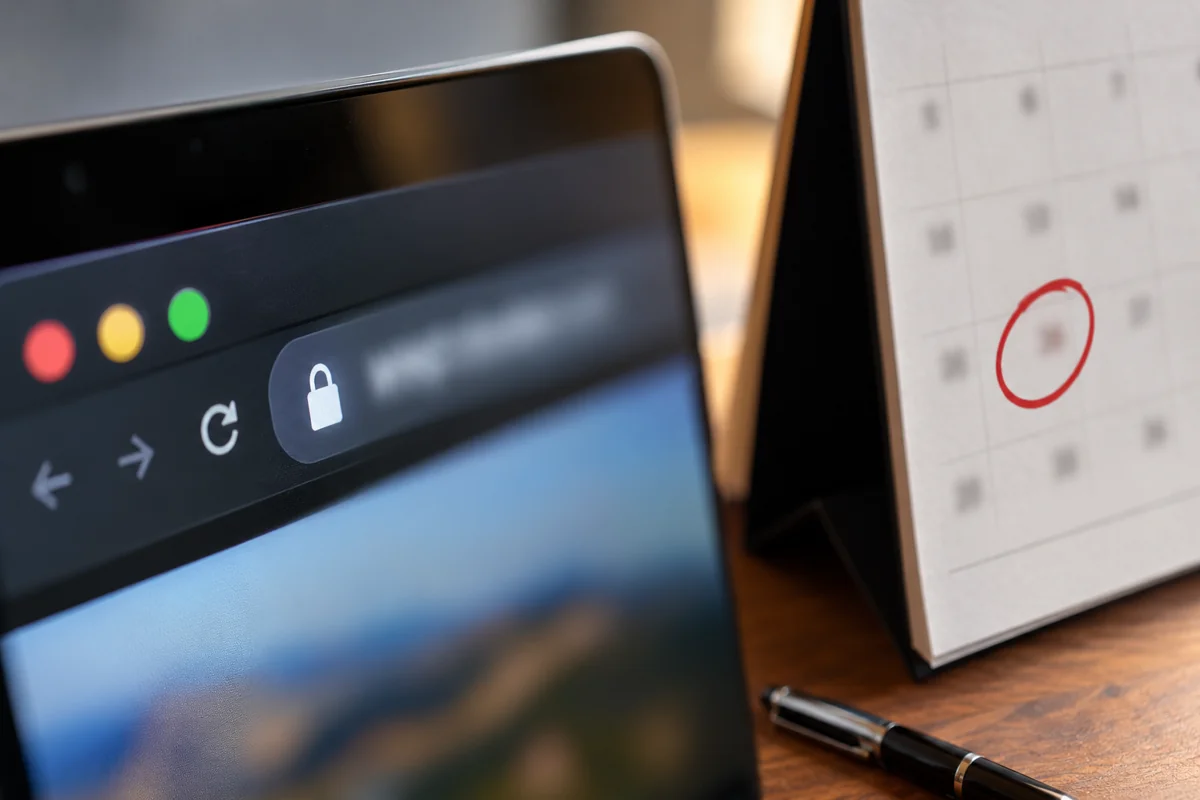
An expired SSL certificate makes browsers show a security warning, and many visitors leave. Certificates are getting shorter lives, so manual renewal becomes riskier every year. The CA/Browser Forum approved a ballot reducing maximum certificate validity from 398 days to 47 days in stages.
According to the forum, those reductions are scheduled to start in March 2026 and conclude in March 2029. Automate renewal through your host or certificate provider wherever possible, and confirm it actually works. Then monitor expiry dates separately, because automated renewal can still fail silently sometimes.
Quick answer: Uptime Monitoring for a Small Business Website
Expired certificates trigger browser security warnings that drive visitors away. The CA/Browser Forum approved cutting certificate validity from 398 to 47 days by March 2029, so automate and monitor renewals.
How do you check that enquiry forms still work?
Forms can fail without the website going down, for example when email settings change or a plugin updates. Submit a test enquiry regularly and confirm it arrives in the right inbox or CRM. Set testing frequency by business risk, with extra checks after any website update.
Some monitoring tools can submit test forms automatically and alert you when no confirmation email arrives. Check spam folders too, because test messages may arrive but land in junk. Our guide to stopping form spam without hurting conversion covers protecting forms from spam bots.
Quick answer: Uptime Monitoring for a Small Business Website
Forms can fail without the site going down, so submit test enquiries weekly and after updates. Confirm they reach the right inbox or CRM, and check spam folders as well.
Who should receive alerts, and how?
Send alerts to at least two people, so one person's holiday or busy day does not hide a problem. Use channels people actually see quickly, such as SMS, WhatsApp or a messaging app, as well as email. Avoid sending every alert to a general inbox.
Too many false alarms make people ignore alerts, so tune checks carefully to reduce noise. Agree who handles alerts outside working hours, including weekends and public holidays like Eid. Keep hosting, domain and developer contact details in one shared, up-to-date document that everyone can find.
Quick answer: Uptime Monitoring for a Small Business Website
Send alerts to at least two people through channels they check quickly, not a general inbox. Agree out-of-hours responsibility and keep hosting, domain and developer contacts in one shared document.
What should a simple response plan include?
Write a short checklist for common failures: site down, certificate expired, forms broken and domain expired. List who to contact first, such as the host or developer, and how to reach them. Keep login details in a secure password manager that authorised people can access.
For planned maintenance, show a short message with a 503 status. Google's guidance describes disabling a site with 503 as a measure for a very short period, a few days at most. Our website maintenance checklist covers routine monthly checks worth adding to the plan.
Quick answer: Uptime Monitoring for a Small Business Website
Keep a short checklist covering outages, certificates, forms and domains, with contacts and secure access. Google says 503 disablement should last a very short period, a few days at most.
Takeaways: Uptime Monitoring for a Small Business Website
Monitor key pages from several locations and check for expected page text, not just a server response. Automate SSL renewal and watch expiry dates, as maximum validity falls to 47 days by March 2029. Test enquiry forms weekly and after every update. Send alerts to at least two people, and keep a short response plan with contacts and secure access.
Catch failures before customers do
Catching website failures early limits customer disruption, whatever the eventual repair cost turns out to be. Set up uptime checks on key pages, monitor certificate and domain expiry and test forms regularly. Send alerts to named people who will actually act on them quickly. Then write a one-page response plan so anyone on the team knows the first practical steps.
Auronix offers website maintenance and support in the UAE, including uptime, certificate and form monitoring. Send us your website address, hosting details and the people who should receive alerts. We will set up monitoring, test your forms and write a simple response plan for your team. Request a quote to start monitoring your website before the next outage costs leads.
Sources: Uptime Monitoring for a Small Business Website
FAQs
FAQs: Uptime Monitoring for a Small Business Website
What is uptime monitoring?
It is a service that checks your website from outside at regular intervals and alerts you when it fails. It helps catch outages before customers report them to your team.
How often should a website be checked?
Consider checking your website every one to five minutes, depending on how quickly you need to know. Check important pages, such as contact or booking, as well as the homepage.
Why are SSL certificates expiring more often?
The CA/Browser Forum approved reducing maximum certificate validity from 398 days to 47 days in stages. Those reductions start in March 2026 and conclude in March 2029, so automation matters.
What happens if my SSL certificate expires?
Browsers show a prominent security warning, and many visitors leave instead of continuing to your site. Automate renewal and monitor expiry dates separately in case the automatic renewal silently fails.
How can I check that my contact form works?
Submit a test enquiry weekly and after every website update, then confirm it arrives in the right inbox or CRM. Check spam folders as well, because messages can land there.
Who should receive website alerts?
Send alerts to at least two named people, so holidays or busy days do not hide problems. Use channels they check quickly, such as SMS, WhatsApp or a messaging app.
Should I show a 503 page during maintenance?
For planned maintenance, a 503 status tells search engines the downtime is temporary. Google describes 503 disablement as suitable only for a very short period, a few days at most.
What should a website response plan include?
A short checklist for outages, expired certificates, broken forms and expired domains, with contacts for each issue. Keep login details in a secure password manager that authorised people can access.
Can monitoring prevent my domain from expiring?
Some monitoring tools check domain expiry dates and send reminders well before renewal is due. Also enable auto-renewal and keep the registrar account and payment card under your company's control.
Can Auronix monitor my website?
Yes, Auronix sets up uptime, SSL expiry and form delivery monitoring as part of website maintenance for UAE businesses. We route alerts to your team and respond to issues quickly.
Related Resources
Need a maintenance partner after launch?
We help UAE businesses keep forms, updates, backups, speed, SEO, and tracking under control so the site stays useful and easy to trust.
Built for WordPress, Shopify, and custom sites that need monthly care or AMC support.
